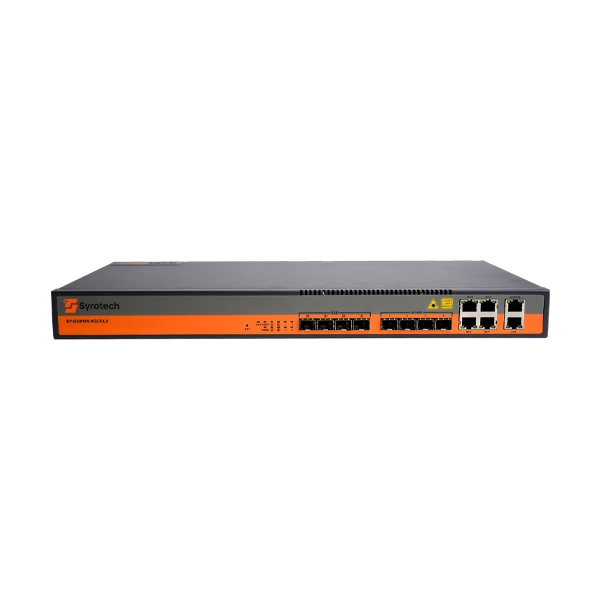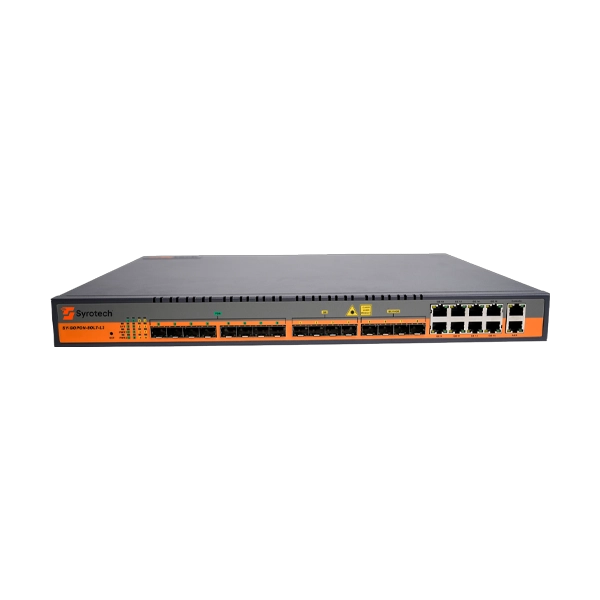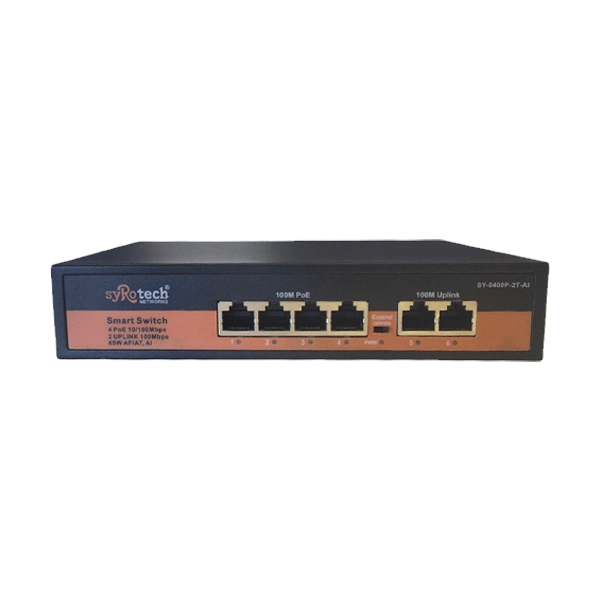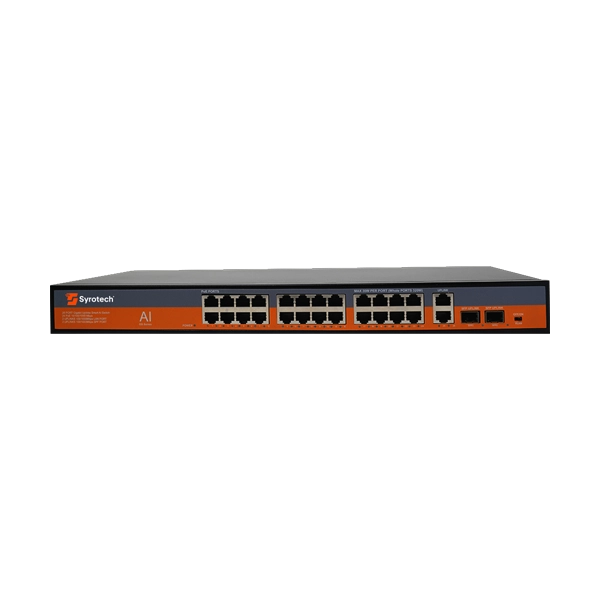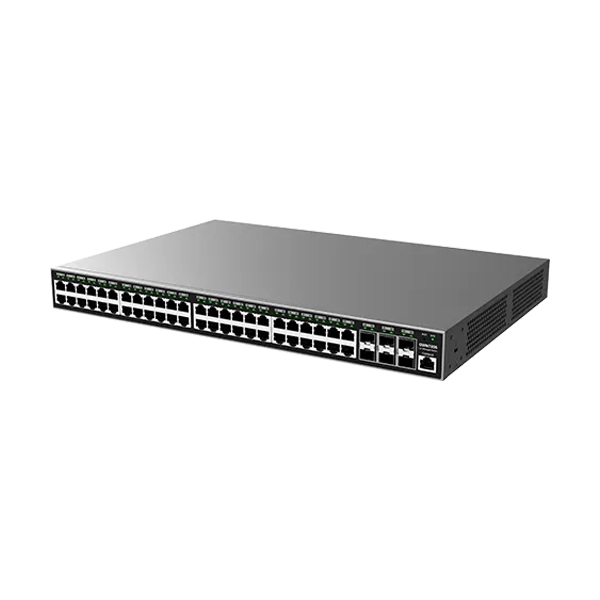
Grandstream GWN7806P 48-Port PoE Switch

No reviews yet |Write a review
SKU: GWN7806P  |  Brand: Grandstream
₹ 52,999 ₹ 96,493 45% OFF ● Out of Stock
Save GST upto 18% on Business purchase
Check delivery
Enter pincode to see delivery date, COD availability and shipping charges.

Secure Payments
100% Genuine
Fast Delivery
Expert Support

Grandstream GWN7806P 48-Port PoE Switch


FEATURES

  • The Grandstream GWN7806P is a professional Layer 2+ managed Gigabit PoE/PoE+ network switch designed for small and medium-sized businesses that need a reliable, secure, and scalable network. It provides 48 Gigabit Ethernet ports for connecting computers, printers, IP phones, Wi-Fi access points, security cameras, servers, and other network equipment. It also includes 6 high-speed 10-Gigabit SFP+ ports, giving businesses fast uplink connections to other switches, servers, storage systems, or the main network backbone. With its large number of ports and advanced management capabilities, the GWN7806P can serve as an important central part of a business network.
  • One of the biggest advantages of the GWN7806P is its PoE and PoE+ support. All 48 Ethernet ports can provide power to compatible PoE devices, allowing equipment such as IP phones, IP cameras, Wi-Fi access points, and other PoE-enabled devices to receive both network connectivity and electrical power through a single Ethernet cable. The switch provides a 400W total PoE power budget, with up to 30W per port according to Grandstream's specifications. This can make installation much easier because compatible devices do not need a separate power adapter and nearby electrical outlet.
  • The switch is built for high-performance networking, with 108Gbps total non-blocking throughput, 216Gbps switching capacity, and a forwarding rate of 160.704Mpps. In simple terms, these capabilities allow the switch to handle a large amount of traffic between connected devices without becoming an unnecessary bottleneck. The 6 SFP+ ports are especially useful for high-speed connections between the switch and important network equipment. Businesses transferring large files, using servers, network storage, video surveillance, cloud applications, or other data-intensive services can benefit from this additional network capacity.
  • The GWN7806P also provides extensive VLAN support. VLANs allow an organization to separate different types of network traffic while using the same physical switch. For example, employee computers can be placed on one VLAN, guest Wi-Fi users on another, IP phones on a Voice VLAN, and security cameras on a separate VLAN. This makes the network easier to organize and provides administrators with greater control over communication between different groups. Grandstream specifies support for up to 4,000 VLANs, along with port-based VLAN, 802.1Q VLAN tagging, MAC-based VLAN, protocol-based VLAN, QinQ, and Voice VLAN.
  • Another important feature is Quality of Service (QoS). QoS allows network administrators to prioritize important traffic when the network is busy. For example, voice calls and video meetings can be given higher priority than large file downloads or less important background traffic. This can help provide smoother VoIP calls, video conferences, and other real-time applications. The switch supports functions such as port priority, priority mapping, queue scheduling, traffic shaping, and rate limiting, giving administrators more control over how network bandwidth is distributed. 


SPECIFICATIONS


Brand 

Grandstream

Model

GWN7806P

Color 

Black

Product type

Enterprise Layer 2+ Managed PoE Network Switch

Gigabit Ethernet ports

48 × Gigabit Ethernet

10G SFP+ ports

6 × 10G SFP+

Total ports

54

PoE ports

48

PoE standard

IEEE 802.3af/at

Maximum PoE per port

30 W

Total PoE budget

400 W

Non-blocking throughput

108 Gbps

Switching capacity

216 Gbps

Forwarding rate

160.704 Mpps

Forwarding mode

Store-and-forward

Packet buffer

16 MB

Network latency

<4 µs

MAC addresses

32K

VLANs

4K

VLAN interfaces

32, 9216-byte MTU

ARP/NDP

1K

IPv4 static routes

32

IPv6 static routes

32

IGMP Snooping

IGMPv2/v3, 256 groups

MLD Snooping

MLDv1/v2, 256 groups

MVR

Supported

Link aggregation

32 groups

Spanning Tree

STP/RSTP/MSTP/PVST(+)/RPVST(+), 64 instances

ACL

Up to 4K ACLs for Ethernet/IPv4/IPv6

Jumbo frame

Up to 9,216 bytes MTU

QoS

Port priority, priority mapping, SP, WRR, WFQ, SP-WRR, SP-WFQ

DHCP

DHCP Server, DHCP Relay, DHCP Option 82/60/160/43

Security

802.1X, MAC authentication, RADIUS, TACACS+, ARP Inspection, IP/IPv6 Source Guard, DoS protection

DHCP security

DHCP/DHCPv6 Snooping

Storm control

Supported

Port isolation

Supported

Loop protection

BPDU protection, root protection, loopback protection

Management

Web UI, embedded controller, GDMS Networking, GWN Manager, GWN Series Routers

SNMP

SNMPv1/v2c/v3

RMON

Supported

LLDP

LLDP / LLDP-MED

Stacking

Up to 4 switches according to Grandstream's official GWN7800 Series sales documentation

Console

1

Fans

3

Dimensions

440 × 301 × 44 mm

Weight

5.1 kg

Mounting

Desktop / Rack-mount

Operating temperature

0°C to 45°C

Operating humidity

10%–90% RH, non-condensing

Storage temperature

-10°C to 60°C

Storage humidity

10%–90% RH, non-condensing

Compliance

FCC, CE, RCM, IC, UKCA

Warranty

3 Year

Note

*Price, feature and specifications are subject to change without notice

One Click to Visit Our Social Media Handle → Instagram

Product specifications are displayed from the product information supplied by the catalog.

★★★★★
0 Reviews

Customer Reviews

Read customer feedback or submit your own review after selecting a rating.

Please login to submit a review.

No reviews yet.

DeliveryUse the pincode checker above to verify delivery availability and estimated delivery date.
ReturnsSee the current shipping and return policy for applicable terms.
PaymentAvailable payment methods and applicable options are shown during checkout.

The IT Gear lists genuine products from the brands and suppliers represented in its catalog.

Yes. Enter your pincode in the delivery checker in the purchase panel.

If your account and the product are eligible, use the Apply Coins control in the purchase panel.
Google
★★★★★
4.8 out of 5
Cart

Your cart is currently empty

Continue shopping
×
Need Assistance?