Why should you choose Cooler Master for your Gaming PC?
Building a high-performance gaming PC takes components you can rely on. Over the span of many years,
Cooler Master has become a major player in
thermal management solutions.
They have many CPU coolers from the more conventional kinds to the latest, innovative cooler designs
that not only give great performance but are also great looking on your desktop. Whether you're a
veteran PC builder or this is only your first time, the products offered by Cooler Master will surely
meet your gaming rig's needs - performance-wise, aesthetics-wise and with excellent value.
Cooler Master has been a household name in the gaming PC community ever since they introduced the
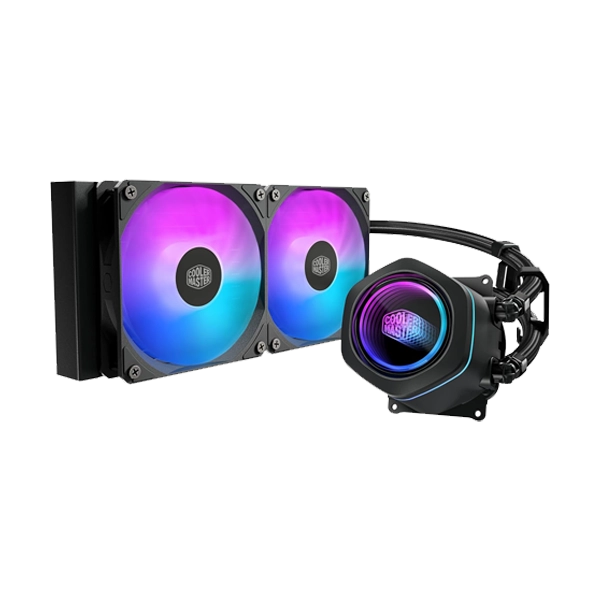
Hyper212 series to the public. The latest MasterLiquid
Atmos cooling system that the brand comes up with
has already proved very successful.
The products, be it for gaming, content creation or even for streaming, that the company produces are
not just a component. They are a full PC-building solution that supports different types of setups.
Discover the best Cooler Master Products
We made a selection of the best Cooler Master products currently available in India. You can look up
on the site, whether you are looking for an affordable upgrade or a high-end water cooling solution,
which products would work out best for you.
CPU air coolers, Performance & Dependability
For most gaming and work computers, the ideal way would be to get a reliable CPU air cooler. The
cooler designs that Cooler Master has become their strength about longevity and noise production.
Hyper 212 Series: The Hyper 212 Series has come out as a popular budget cooler
with its Hyper 212
Spectrum V3 being the model that features not only a beautiful color of the ARGB lights
but
it has 4 heat pipes to help get rid of the heat efficiently. Then again, the hyper 212 Black
Edition has a very sleek all-black look.
Hyper 620S: If your processor draws considerable power, Hyper 620S will be able
to do the job
since it is a dual tower cooler with 6 heat pipes and two 120mm fans that make sure you get a
very stable CPU temperature. Hyper 620S is ideal if you want high TDP support to overclock
without having to switch to water cooling.
Entry-Level Options: You will find budget-friendly coolers like the Hyper T20
or the i30 Coolers
which offer reliable cooling at the lowest prices in the market, in the section for home office
PCs.
CPU Liquid Coolers, Thermal Management at Its Best!>
If the idea of thermal management through water cooling sounds like a perfect thing for your gaming
needs mainly after overclocking or running a machine that really delivers power then getting a good
quality CPU water cooler will be ideal. With the cooler Master CPU water cooling solutions, you get
excellent heat handling features with eye-catching looks.
MasterLiquid Series: For a range that will fit your mid-tower system very well,
we recommend a cool fan. If you are not into large sizes, you may try MasterLiquid
ML240L V2 that is quite
good.
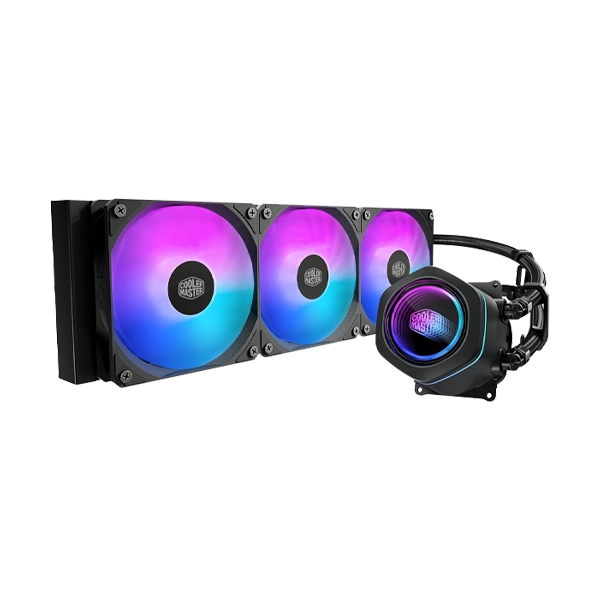
MasterLiquid 360 Atmos: For the latest generation of processors, one would go
for the top of the
line AIO cooler, MasterLiquid
360 Atmos , which features a massive 360mm radiator and extremely
efficient cooling pump to make your CPU stay cool even when it is put to maximum use.
MasterLiquid Atmos II Stealth Series offers an additional layer of performance improvement with
more powerful fan blades that help keep the noise levels very low.
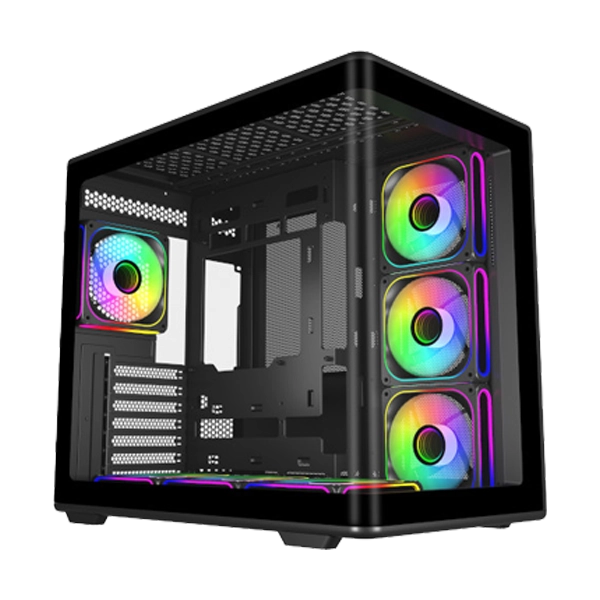
PC Cases - The Base of Your Computer Assembly
A PC case is more than merely a box; it serves as the base of your system's airflow and looks. Cooler
Master's gaming cabinet designs are mainly
focused on good airflow and user-friendly assembly.
The MasterBox series presents a very good value for your money. A favorite
mid-tower PC case the
MasterBox K501L features a glass panel on one side pre-installed
RGB fans and lots of airflow
straight away without having to do anything else.
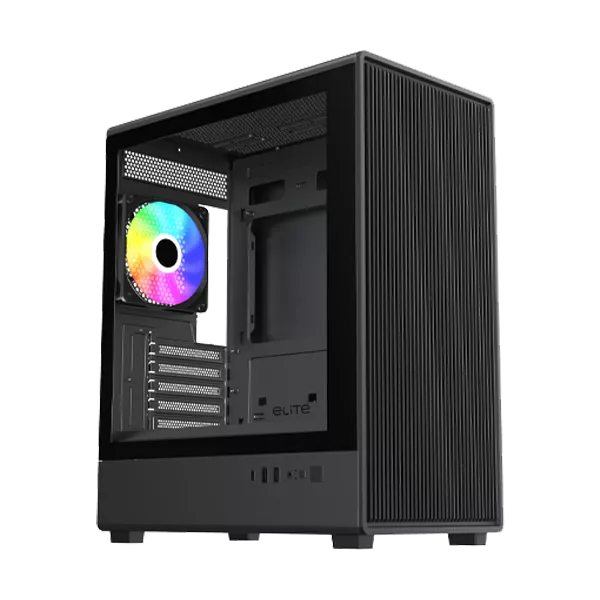
If you're after a top-tier construction, the MasterFrame and
Cosmos series come with modular designs
and superior workmanship. The CMP 520
and Elite
681 are two of the best ATX mid tower models that
builders who don't want to spend too much money will like.
Power Supplies & Cooling Components
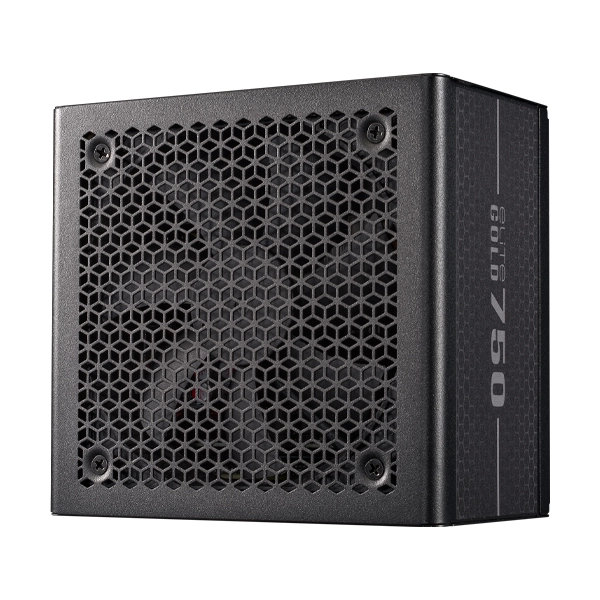
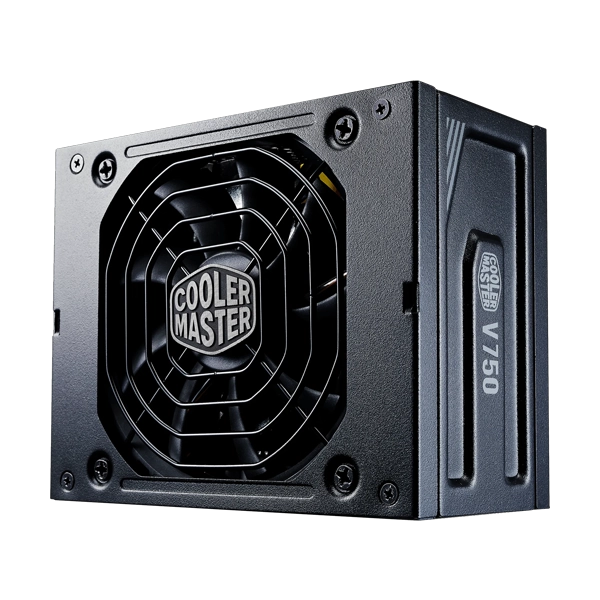
The first thing you'll want to do is choose an efficient energy solution since power stability of
your computer depends on it. Through its line of power supplies and cooling accessories, Cooler
Master makes it easier for you to focus on your game rather than your gear. The MWE (MasterWatt
Essential) family including the MWE 450 Bronze V2 is your best bet for a low cost efficient reliable
electricity supply for your whole computer.
With MasterFan fans like the MasterFan MF120 Halo² you'll boost your system's ventilation. These are
addressable LEDs and they'll look great too.
To get the best possible heat dissipation, use the CRYOFUZE thermal paste from Cooler Master. The
CryoFuze Violetis a top-tier compound that works equally well with traditional air cooling and
advanced liquid cooling systems.
Peripherals & Streaming Solutions
Cooler Master doesn't just make cooling systems anymore. Their new line of products will round out a
gamer's or content creator's arsenal from head to toe! You will need a good set of keyboards mouse
and headsets to be comfortable while playing for hours on end at a high level of competition.
Multifunction MasterHUB module for streamers or creators, Thanks to the plug-and-play functionality
and detailed configurability, a professional-level streaming configuration is now much easier for
you to maintain and work with.
Cooler Master versus The Competition
When selecting parts, one of the things a person will do is the brand comparison.
Cooler Master vs. Corsair:
Cheap cooling with best thermal solutions and value, that is the Cooler Master. But, on the flip side
Corsair is all about being the software kings (iCUE) with very elegant hardware design and top
performance features. So, if you are mainly interested in software features then Corsair would be
your perfect choice.
Cooler Master vs. Noctua:
Noctua has been a major player in the cooling segment and the main reason is ultra quiet products but
it comes at the cost of high premium and a distinctive color scheme (beige). In comparison, Cooler
Master brings a similar level of performance while looking trendy with modern designs and offering
ARGB lighting options as well.
Cooler Master vs. Deepcool / Antec / NZXT / Lian Li:
Generally, Cooler Master offers an extensive catalogue of accessories at competitive prices, making
them ideal for PC gamers and DIYers.
Software & Support for Your Cooler Master Gear
Install the Cooler Master software to enhance the features of your components. Through the
MasterPlus+ software that will give you full control over ARGB lighting monitoring of the system
performance, and defining the fan speed per a customized curve you get the most of your hardware.
You may go to the Cooler Master official site and get hold of the Cooler Master app and Cooler
Master software download links. To tackle problems, get in touch with the Cooler Master support,
which offers the complete set of drivers and helpful troubleshooting guides.
The Cooler Master Legacy, A Brand You Can Trust
Established in 1992 in Taipei Taiwan, Cooler Master Co. Ltd. has continued to innovate PC hardware
for about thirty years now. Their rise from a #1 single-tower air cooler brand to leaders in the
field of advanced cooling solutions is all due to an unmatched devotion to quality.
Whether you are a gamer, a streamer or perhaps a professional looking at a workstation. Cooler
Master has got components that suit your needs. Try Thermal Excellence today and see what a
difference it can make.
Frequently Asked Questions
People have often regarded Cooler Master as one of the best brands for PC cooling. Their
consistent performance and good designs, and their affordable price, make their CPU coolers,
PC cases, and power supplies a favorite choice among gamers and PC enthusiasts all around
the world.
A CPU air cooler employs the help of fan and heat sink for dispersion of heat. The advantages
are that it is relatively cheaper, it is easy to install and very dependable. A AIO cooler
i.e. All-In-One liquid cooler is made up of a pump, a coolant and a radiator for very
effective heat removal from CPU. AIO coolers are recommended for high-TDP CPUs or
overclocking and they are also visually more appealing.
The ARGB lighting on Cooler Master products is easily controlled using the MasterPlus+
software. Through this app you can, besides changing the lights to different colours and
even sync the lighting between components.
The MasterBox series, such as the MasterBox K501 is a good pick. These include features that
are most appealing to a first time builder and like a tempered glass side panel for a visual
display of the inner workings of their computers, cable management slots, and pre-installed
fans for airflow. They are also reasonably priced.
Cooler Master includes a CryoFuze thermal paste with most of their coolers. So when you get
a new Hyper 212 cooler, for example, you are able to install it directly without being
worried about an additional purchase of thermal paste. You just need to use the paste that
comes with the product for optimal heat transfer.
For different types of Cooler Master products, the warranty periods may vary.
Usually, Cooler Master power supplies (PSUs) and AIO coolers are offered with a guarantee of
between 5-10 years. CPU air coolers and other parts like cases are generally guaranteed for
just 2 years. You should not rely only on these numbers and instead you should always refer
to the product details page or Cooler Master's official warranty documentation online to
obtain accurate and up to date information.