




Select a category

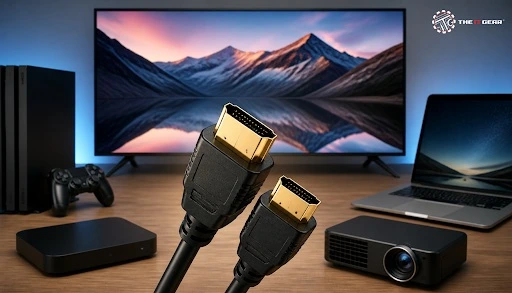
If you step into any Indian living room today, chances are you would find at least three in clear sight — one behind the television, one on the set-top box, and one on the gaming console. But not everyone can tell how a flat plug can handle both picture and sound with only one wire. Here's our guide to understanding what an HDMI cable is, and how it works.
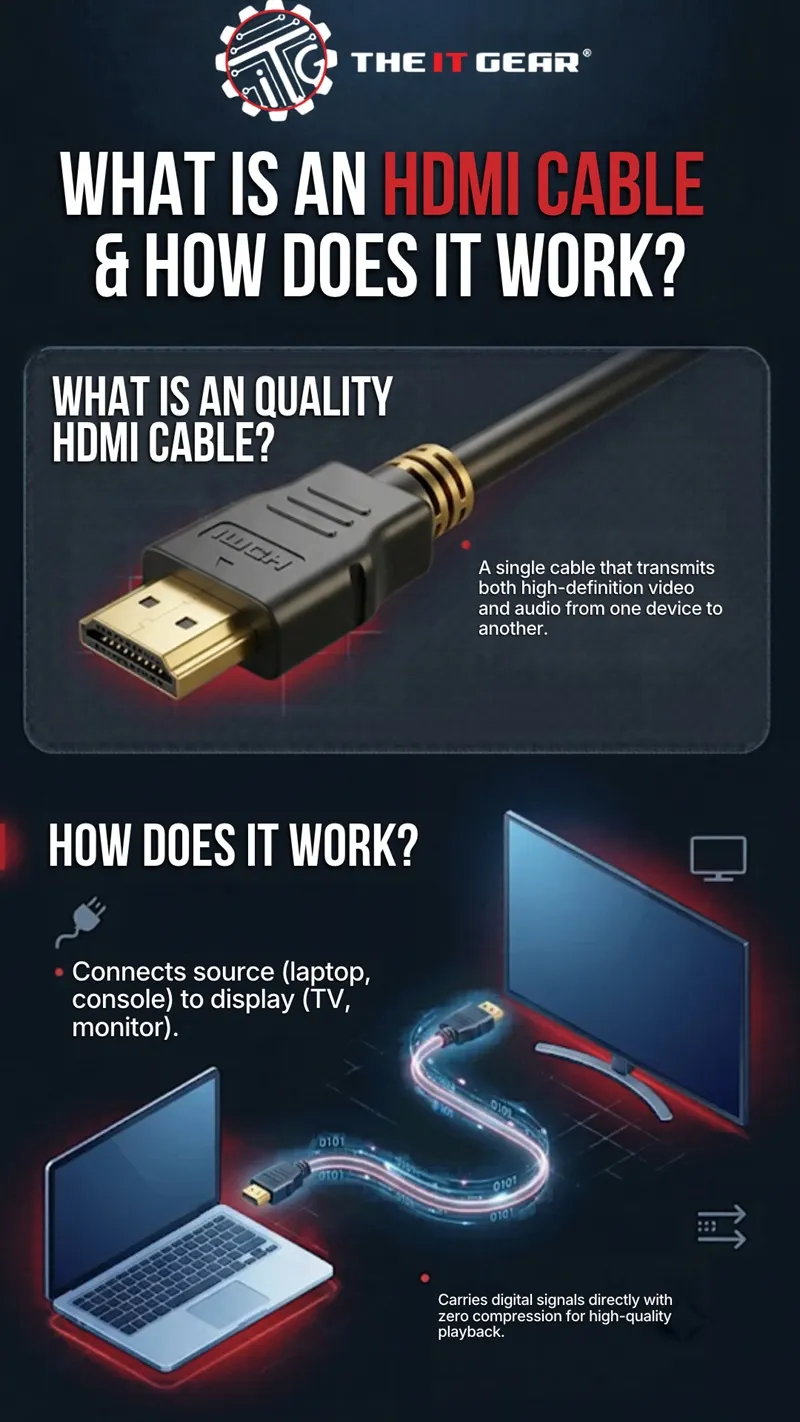
HDMI stands for High-Definition Multimedia Interface, and the cable is simply the physical conduit that carries a digital audio and video signal between two devices. The specification is maintained by HDMI Licensing Administrator, the body that publishes the official standard.
Instead of using separate cables for video, audio, and device control, a single HDMI cable carries all three simultaneously — including multi-channel surround sound formats like Dolby Digital and DTS. This is the complete HDMI cable meaning in one sentence: one cable delivering both picture and sound, with no analogue conversion at any point in the chain.
That's two different answers, and two answers the buyer cares about. Function: this cable carries uncompressed digital video and audio from source to display. Benefit: this is what you experience in your home.
1. Replaces legacy cabling — One HDMI cable does the job of composite, component, SCART, VGA, and separate audio cables. Fewer wires means a cleaner setup and fewer junctions where the signal can degrade.
2. Preserves signal quality — The signal is digital all the way, so there is no digital to analogue conversion loss. The source continues to send what goes to the screen.
3. Easy to use — just plug it in and two devices take care of the rest via a handshake. No tuning, no drivers, no memorising settings.
In essence, the value of the HDMI cable use is all about convenience as much as bandwidth.
Each HDMI connection works in the same way: a source device like a laptop, game console or set-top box, then the cable and finally a sink device like a TV, monitor, or projector. The source creates the digital data stream by encoding the audio and video, then sending it down tiny electrical signals through copper wires, and the screen reads that bitstream and activates pixels on screen.
A standard Type-An HDMI connector contains 19 pins, and a complete cable includes 19 conductors. Among these, four are shielded differential pairs—three TMDS data channels plus one clock channel—enabling high-bandwidth video transmission without interference. The other lines manage the display handshake (EDID), device control (CEC), the 5V power supply, and hot-plug detection.
Yes, but not nearly enough to power a monitor or television. There is a 5V line in the connector, and the official HDMI Cable Power specification states that a cable can draw up to 300 mA from that source supply. That current is used to power active electronics inside long- or fibre-optic cables.
Does HDMI supply power to a monitor? No. The display has its own power supply; the link supplies signal only.
Hdmi power cord for tv. There isn't such a thing as a tv power cord or hdmi power cable. Televisions are powered by mains cable and a hdmi port cannot send mains voltage.
HDMI to power outlet. This is the most common myth on the internet. An HDMI cable cannot be used to power a device from your wall socket.
An active cable has a tiny chip that boosts or regenerates the signal, which is what makes longer distances and Ultra High Speed certification possible – and those are the cables that use that 300 mA. Passive cable is just copper and works fine up to around five metres.
Some mistaken orders are simply a result of three classifications getting muddled. Clarify them separately:
1. Types (physical shape) — the standard 19-pin plug found on TVs and laptops is Type-A; Type-C (Mini) and Type-D (Micro) connectors are designed for cameras and smaller devices.
2. Grades (certified bandwidth) — Standard, High Speed, Premium High Speed, Ultra High Speed. The grade gives you an indication of what the cable is truly capable of carrying.
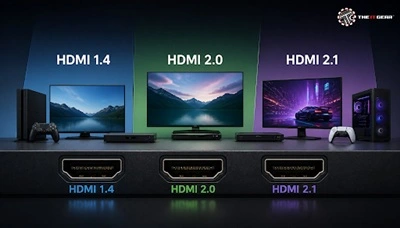
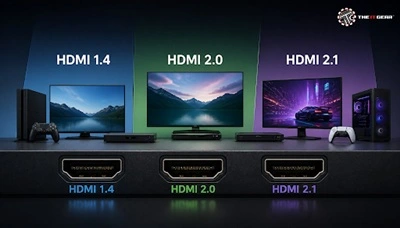
3. Versions (protocol) — HDMI 1.4, 2.0 and 2.1 describes things like 4K at 60Hz 8K VRR, and eARC. Cables do not have versions, only hardware.
Common devices connected via HDMI include televisions, computer monitors, gaming consoles, projectors, streaming sticks, set-top boxes, and DVRs. One of the most frequent household uses is linking a laptop to a TV for screen mirroring or to extend the desktop display.
Your phone probably doesn't have an HDMI port, so a cable alone won't do the trick. If you have an Android phone that uses DisplayPort Alt Mode over USB-C, you should be able to connect to a TV with an USB-C to HDMI dongle. The iPhone can connect via a certified digital AV adapter.
Go all the way to the ports first — HDMI OUT on the source, HDMI IN on the display. The half-insert is going to make nearly every HDMI "no signal" problem go away because the most common HDMI-A problem is a loose connection. Next, pick the right HDMI input for the TV and wait for that handshake, then try a shorter certified cable.
An HDMI cable is a tiny but vital little piece of tech. Know the acronym, how the 19 pins are laid out and the power levels and you'll be shopping for an HDMI cable with confidence. Here at The IT Gear we have certified High Speed and Ultra High Speed HDMI cables in lots of sizes and connector types, plus all the adapters to connect your laptop, console, and mobile devices.
Is an HDMI cable the same as an HDMI port?
No. Port is the plug in device to which the removable lead is attached. Lead is the removable cable connecting two ports plugged into devices.
What is eARC?
Improved Audio Return Channel (eARC) HDMI ARC with eARC allows the TV to send audio to an audio device and will support modern formats like DTS: X and Dolby Atmos. This means you don't need an additional cable for the best sound.
Can a long HDMI cable lose picture quality?
Passive copper cable cables stop working after 5 metres. For longer runs use an active or fibre-optic HDMI cable.
Do expensive HDMI cables perform better?
Not necessarily. Rather than spending more, just go for the premium grade — either Premium High Speed or Ultra High Speed.





#No. 9, 5th Floor, Max City Center, T. P Lane, Sadar Patrappa Road, Bengaluru - 560002 (Karnataka)





Looks like you haven't added anything yet. Explore our builds, components and gear.
Continue shopping