-
₹ 4,490 ₹ 2,599
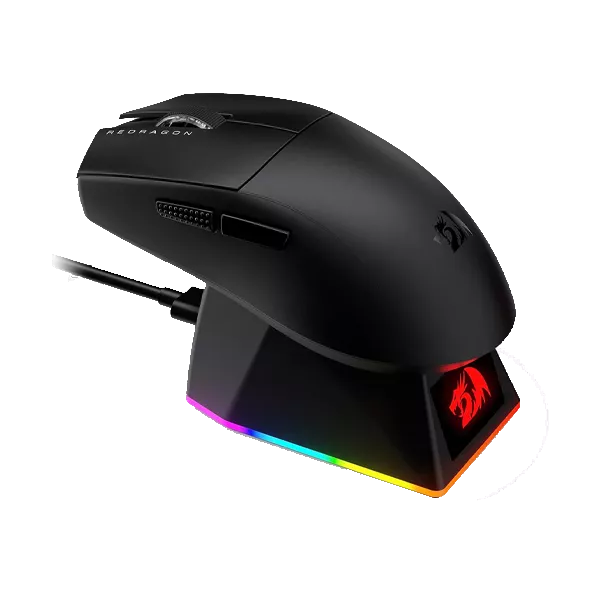
Redragon King Ultra M999 Black Bluetooth Mouse with Magnetic Charging Dock is a premium gaming mouse designed for smooth performance, comfort, and convenience. It features wireless and Bluetooth connectivity, adjustable DPI, RGB lighting, programmable buttons, and a stylish magnetic charging dock for easy charging. With its ergonomic design and accurate tracking, it is ideal for gaming, work, and everyday PC use.
-42% -
₹ 12,999 ₹ 2,999
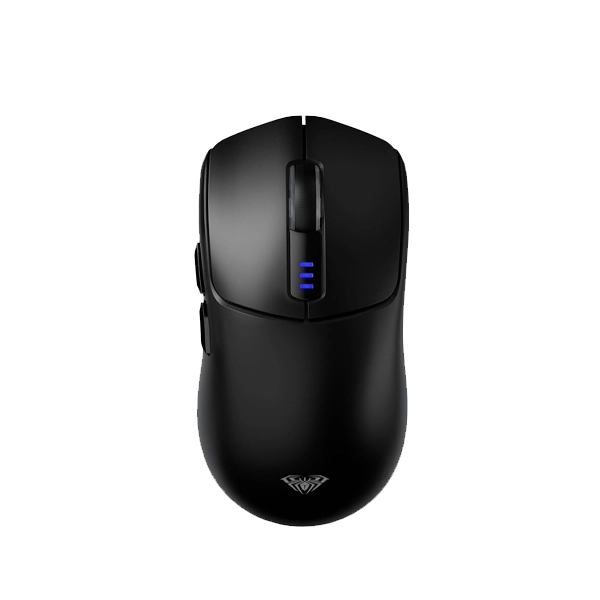
Connect Your Way (Tri-Mode): You can connect it via ultra-fast 2.4GHz wireless (using the included USB dongle) for lag-free gaming, stable Bluetooth for casual use on your laptop or tablet, or plug it in with the USB-C cable to use it as a wired mouse while it charges. Lightweight & Comfortable: Weighing in at a very nimble ~82 grams, it features an ergonomic, right-handed design that fits comfortably into palm, claw, or fingertip grip styles to reduce hand strain during long gaming sessions.
-77% -
₹ 3,079 ₹ 2,199
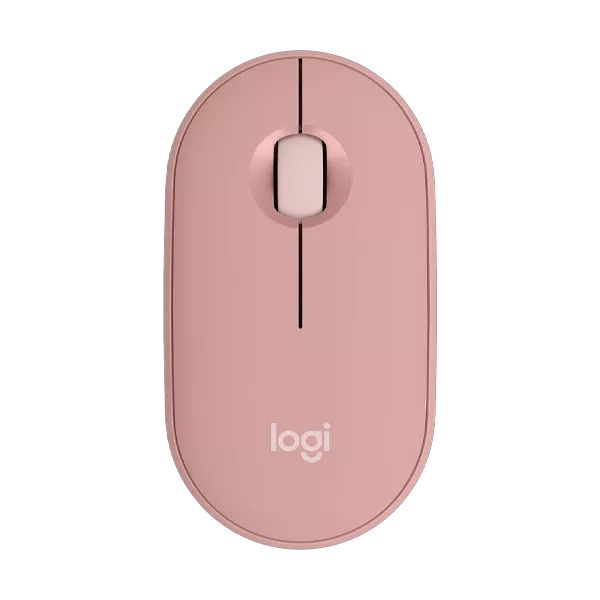
Buy the Logitech Pebble Mouse 2 M350s Rose Wireless Mouse with Bluetooth connectivity, Silent Touch technology, customizable button, and long battery life. Stylish, compact, and ideal for work, travel, and everyday productivity.
-29% -
₹ 3,079 ₹ 2,199
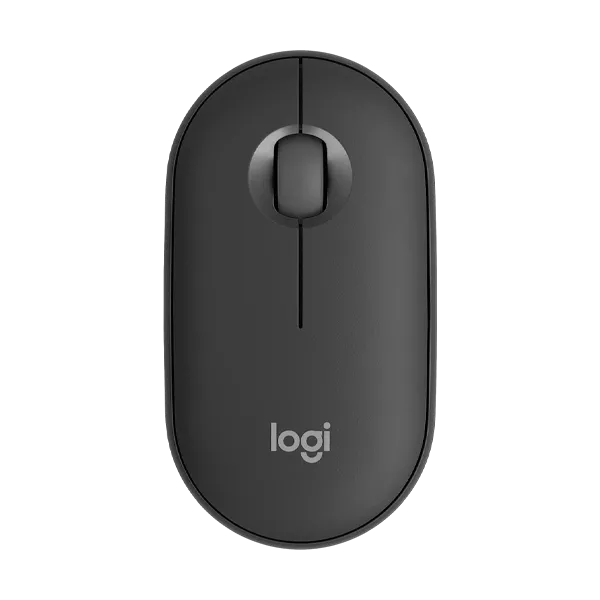
Upgrade your productivity with the Logitech Pebble Mouse 2 M350s Graphite Wireless Mouse. Enjoy silent clicks, Bluetooth & Logi Bolt connectivity, multi-device compatibility, customizable buttons, long battery life, and a slim, portable design for work, study, and travel.
-29% -
₹ 3,079 ₹ 2,199
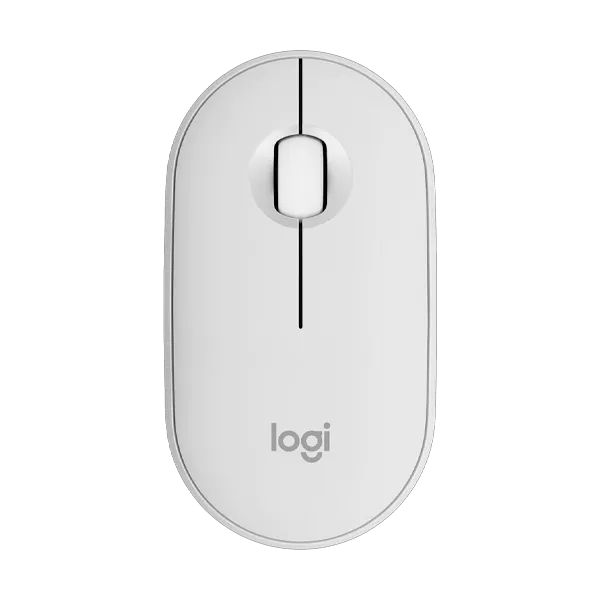
Buy the Pebble Mouse 2 M350s White Wireless Mouse featuring Bluetooth connectivity, silent clicks, compact design, multi-device support, and long battery life for seamless productivity.
-29% -
₹ 14,195 ₹ 10,299
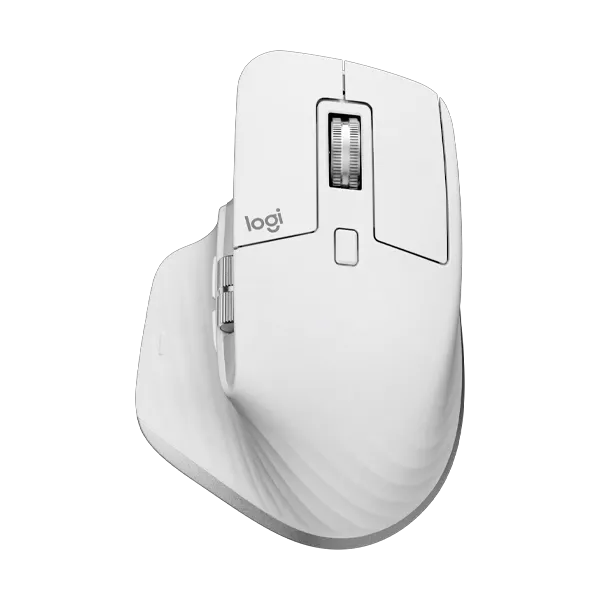
Shop the Logitech MX Master 3S Pale Grey Wireless Mouse with ultra-fast MagSpeed scrolling, 8K DPI tracking, quiet clicks, multi-device support, and ergonomic comfort.
-27% -
₹ 14,195 ₹ 10,299
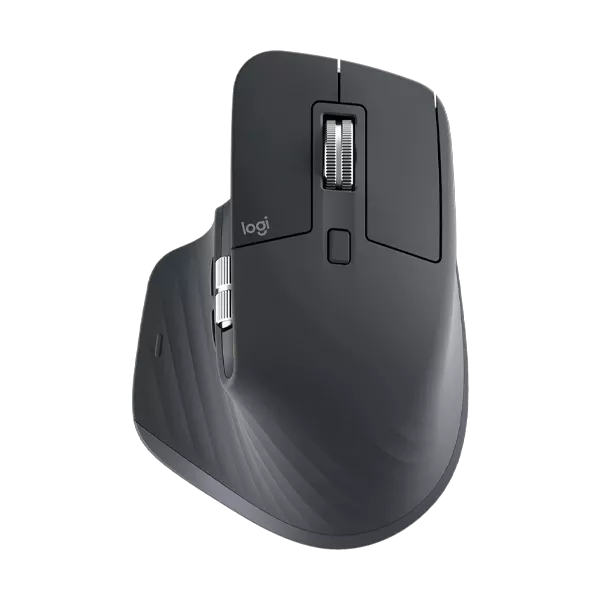
Experience precision with the Logitech MX Master 3S Graphite Wireless Mouse. Features 8K DPI tracking, Quiet Clicks, MagSpeed scrolling, multi-device connectivity, and ergonomic comfort.
-27% -
₹ 10,091 ₹ 5,699
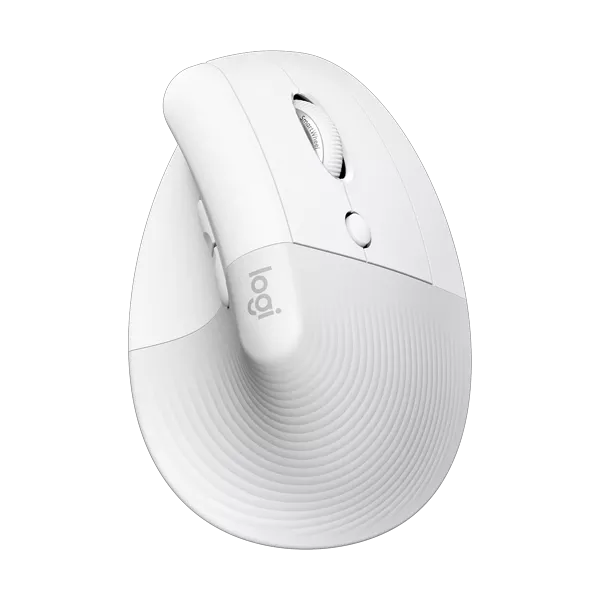
Experience all-day comfort with the Logitech Lift Off White Vertical Wireless Mouse. Featuring an ergonomic 57° vertical design, SilentTouch technology, customizable buttons, Bluetooth and Logi Bolt connectivity, and long battery life. Ideal for work, home, and office productivity.
-44% -
₹ 10,091 ₹ 5,699
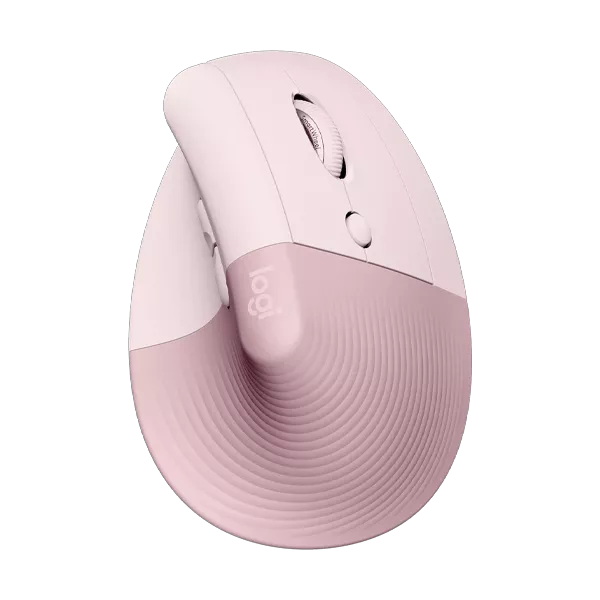
Buy the Logitech Lift Rose Vertical Wireless Mouse with ergonomic comfort, quiet clicks, Bluetooth and Logi Bolt connectivity, long battery life, and multi-device support. Perfect for work and everyday productivity.
-44% -
₹ 10,091 ₹ 5,699
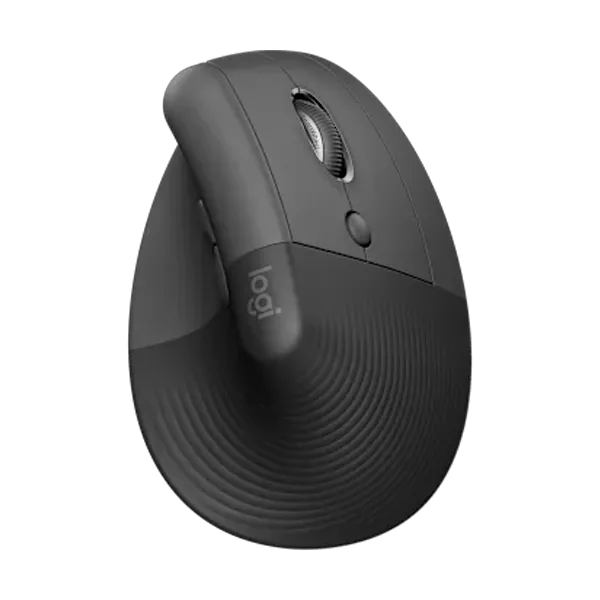
Experience all-day comfort with the Logitech Lift Vertical Wireless Mouse in Graphite. Featuring an ergonomic vertical design, SilentTouch technology, customizable buttons, Bluetooth and Logi Bolt connectivity, and long battery life for enhanced productivity.
-44% -
₹ 1,395 ₹ 1,349
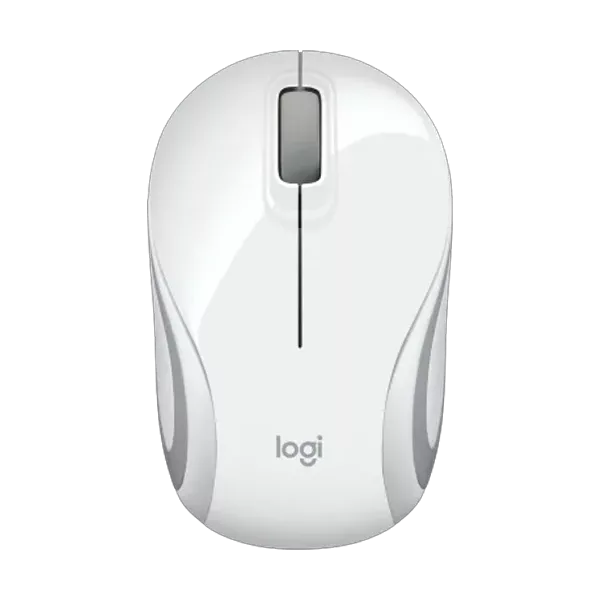
Buy the Logitech M187 White Ultra Portable Mini Wireless Mouse featuring a compact travel-friendly design, reliable 2.4GHz wireless connectivity, precise optical tracking, and plug-and-play USB nano receiver for laptops and desktops.
-3% -
₹ 12,419 ₹ 6,999
The Logitech MX Anywhere 3S Wireless Mouse is a premium compact productivity mouse designed for professionals who work from anywhere. Featuring an ultra-precise 8,000 DPI Darkfield sensor that tracks on virtually any surface, including glass, Quiet Click technology, MagSpeed electromagnetic scrolling, and multi-device connectivity, it delivers exceptional performance, portability, and comfort for laptops, desktops, and hybrid work environments.
-44% -
₹ 20,699 ₹ 11,999
The Logitech MX Master 4 Wireless Ergonomic Mouse is a premium productivity-focused wireless mouse engineered for creators, professionals, programmers, and multitaskers. Featuring an advanced 8K DPI Darkfield sensor that tracks even on glass surfaces, MagSpeed electromagnetic scrolling, customizable haptic feedback, Quiet Click buttons, USB-C fast charging, and seamless multi-device connectivity via Bluetooth and Logi Bolt, the MX Master 4 delivers exceptional precision,
-42% -
₹ 2,999 ₹ 1,299
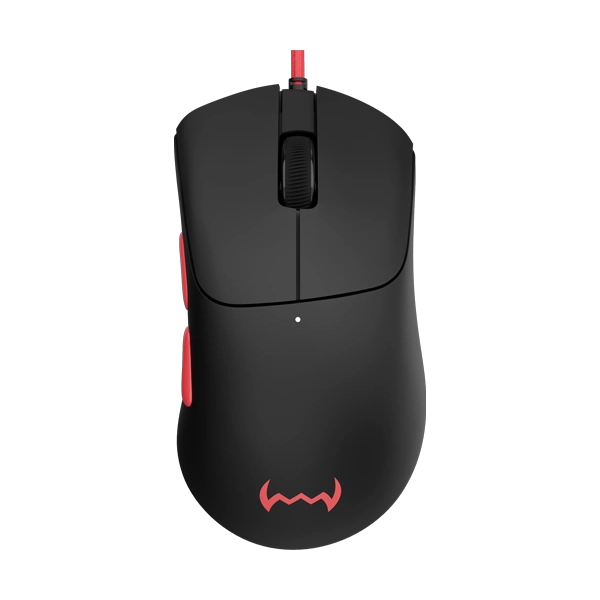
The Dawg Slay 25 Gaming Mouse delivers precision, speed, and comfort for competitive gamers. Designed with a high-accuracy sensor, responsive clicks, and ergonomic grip, this gaming mouse ensures smooth tracking and ultimate control during intense gameplay. With durable build quality and stylish design, the Slay 25 is perfect for FPS, MOBA, and esports players looking for reliable performance and fast reaction time.
-57% -
₹ 6,099 ₹ 2,199
The Dawg Slay 50 Wireless Gaming Mouse Play fast and stay smooth with a gaming mouse designed for high-speed action. Powered by a PAW 3311 sensor, adjustable DPI up to 12,000, and a 1000Hz polling rate, it keeps tracking locked during intense moments. The magnetic charging dock, lightweight build, and advanced software complete the setup.
-64% -
₹ 3,999 ₹ 1,299
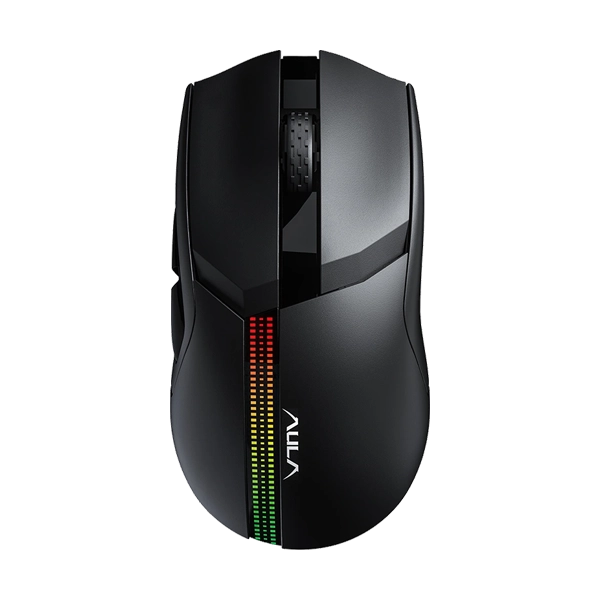
Aula F813 RGB Backlight Wired & Wireless Gaming Mouse is a versatile gaming mouse with dual connectivity (wired via Type-C or wireless) and customizable RGB backlighting, giving your setup a stylish look. It features 7 programmable buttons and adjustable DPI (800–4800) for precise control in different games, plus a 400 mAh rechargeable battery for extended wireless play. Plug-and-play compatibility works with most Windows systems without extra software.
-68% -
₹ 2,999 ₹ 1,049
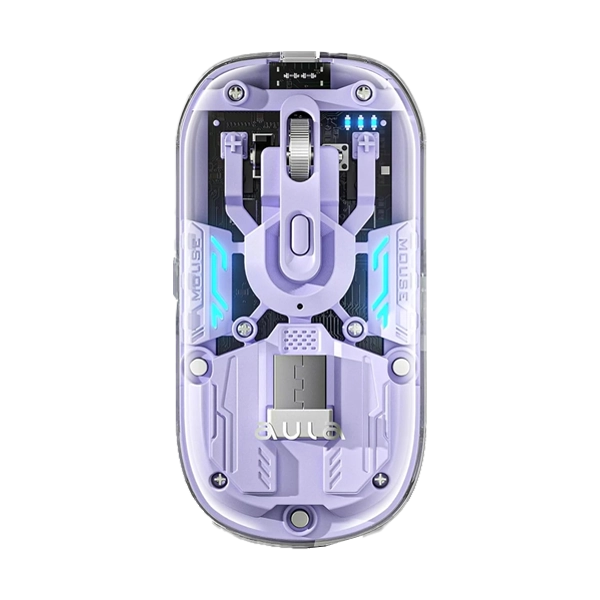
Aula AM210PR Ultra-Lightweight Purple Gaming Mouse delivers fast, precise control with a high-accuracy optical sensor and responsive switches. Its ergonomic ultra-light design ensures comfort during long gaming sessions. Stylish purple finish with smooth glide makes it perfect for competitive and casual gamers alike.
-65% -
₹ 3,999 ₹ 1,999
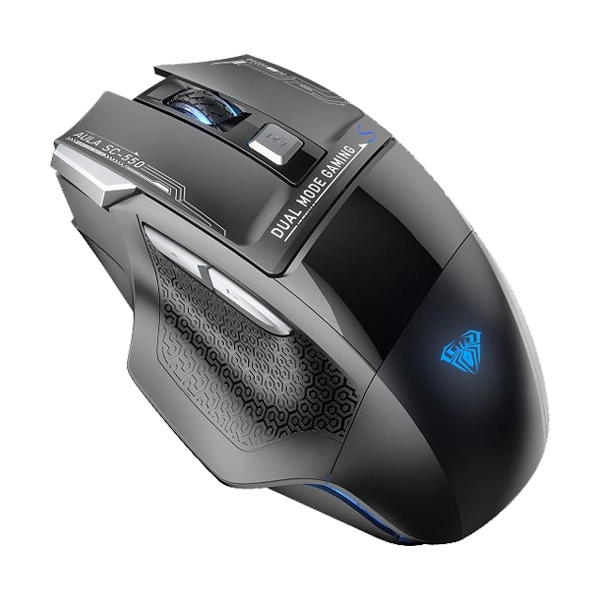
Aula SC550B Dual Mode RGB Black Gaming Mouse delivers smooth performance with dual connectivity for wired and wireless use. Designed for gamers, it features precision tracking, ergonomic comfort, and customizable RGB lighting. Ideal for competitive and everyday gaming setups.
-50% -
₹ 10,995 ₹ 9,799
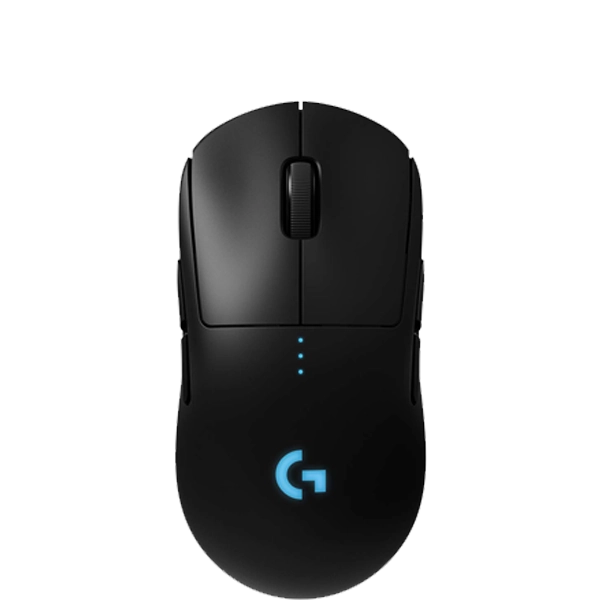
The Logitech G Pro Wireless RGB Gaming Mouse is engineered for esports professionals, featuring the advanced HERO sensor for ultra-fast, precise tracking and LIGHTSPEED wireless technology for lag-free performance. Its ultra-lightweight, ambidextrous design ensures maximum comfort and control during intense gaming sessions, while customizable RGB LIGHTSYNC lighting and programmable buttons let you personalize your setup. Built for reliability and precision,
-11% -
₹ 3,795 ₹ 2,699
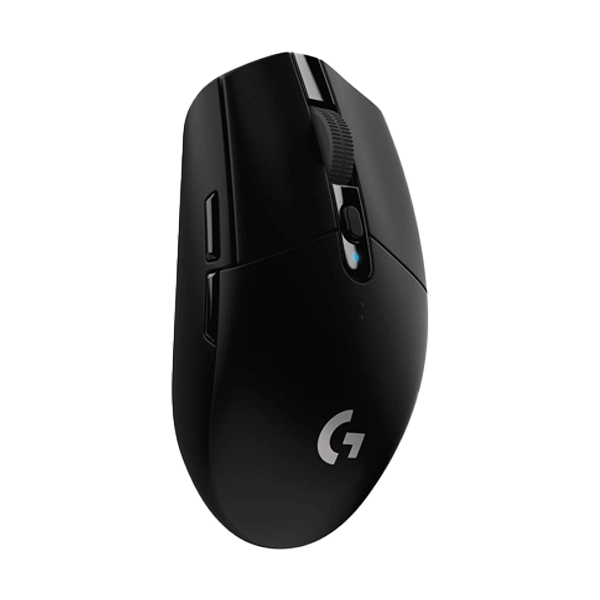
The Logitech G304 LIGHTSPEED Wireless Gaming Mouse offers high-performance, lag-free gameplay with advanced LIGHTSPEED wireless technology. Featuring the HERO sensor for ultra-precise tracking and power efficiency, this lightweight mouse delivers adjustable DPI, long battery life, and responsive buttons for competitive gaming. With its compact, durable design and onboard memory support, the G304 is an ideal wireless gaming mouse for players who demand accuracy, speed, and reliable performance.
-29% -
₹ 3,795 ₹ 2,899
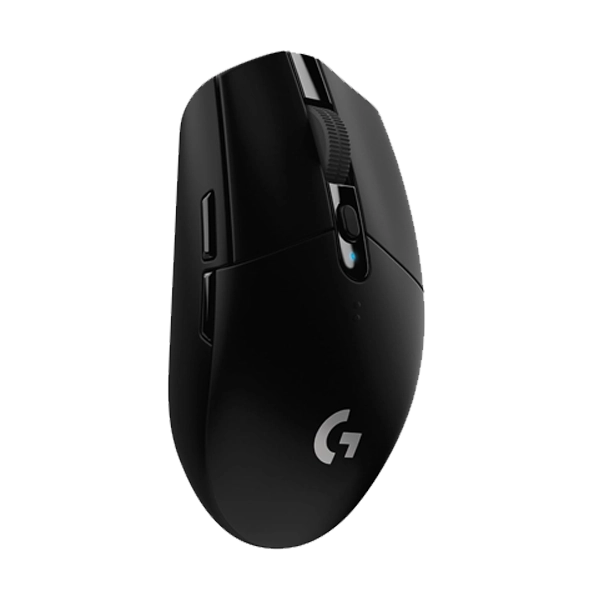
The Logitech G305 LIGHTSPEED Wireless Black Gaming Mouse delivers exceptional gaming performance with ultra-fast LIGHTSPEED wireless technology for a lag-free experience. Powered by the HERO sensor for precise tracking and energy efficiency, this lightweight mouse offers adjustable DPI, long battery life, and a durable, compact design. With onboard memory, responsive buttons, and a sleek black finish, the G305 is ideal for gamers seeking reliable wireless freedom and competitive-level accuracy.
-24% -
₹ 17,495 ₹ 12,299
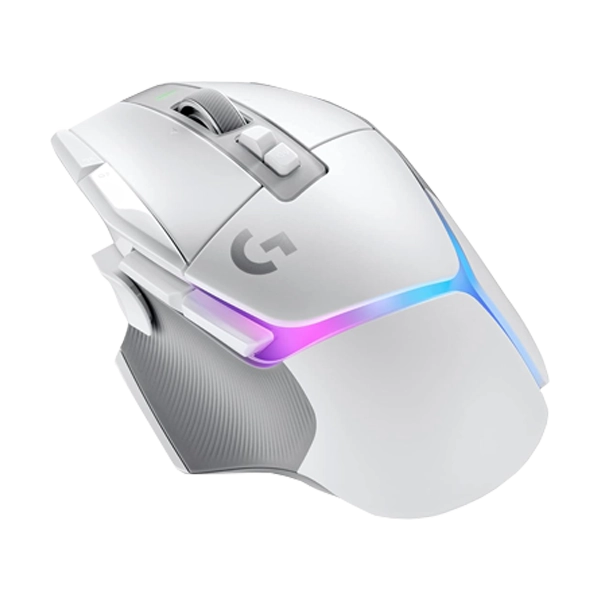
The Logitech G502 X PLUS White Wireless Gaming Mouse delivers elite performance with advanced LIGHTSPEED wireless technology and a striking white design. Featuring a high-precision HERO sensor, customizable LIGHTSYNC RGB lighting, optical-mechanical hybrid switches for ultra-fast response, and an adjustable DPI system, this premium gaming mouse offers exceptional accuracy, comfort, and control for competitive gaming and high-performance PC setups.
-30% -
₹ 17,495 ₹ 12,349
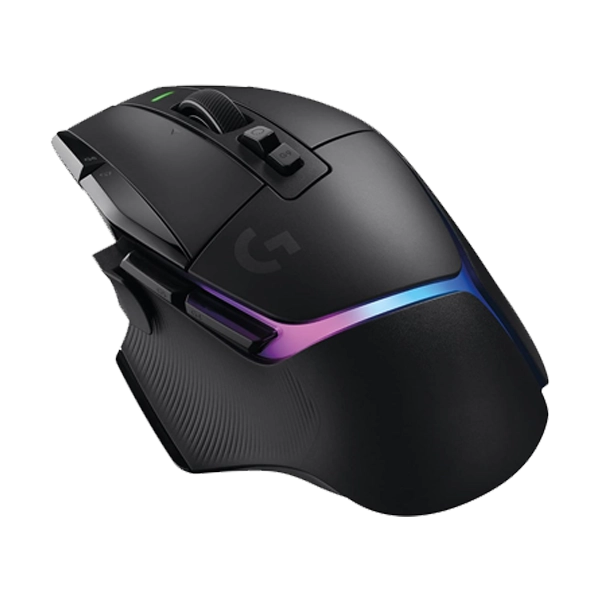
The Logitech G502 X PLUS Black RGB WirelessGaming Mouse delivers reliable precision and smooth performance in a sleek, lightweight design ideal for everyday and competitive gaming. Equipped with a high-accuracy sensor, responsive buttons, and customizable RGB lighting, this mouse ensures fast tracking, comfortable control, and long-lasting durability, making it a perfect choice for PC gamers seeking performance and style at great value.
-29% -
₹ 2,999 ₹ 1,999
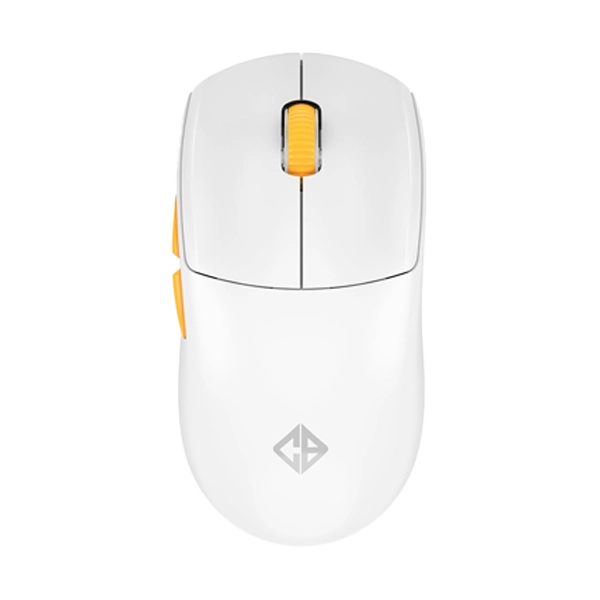
The Cosmic Byte Atlas Tri-Mode White Wireless Gaming Mouse offers versatile connectivity with tri-mode support—2.4GHz wireless, Bluetooth, and wired options—delivering smooth, lag-free performance for gaming and productivity. Its lightweight design, precision sensor, customizable DPI settings, and programmable buttons provide accuracy and control, while the sleek white finish adds a premium aesthetic to any setup. This mouse is built for gamers seeking flexibility, comfort, and top-tier responsi
-33%
Select a category