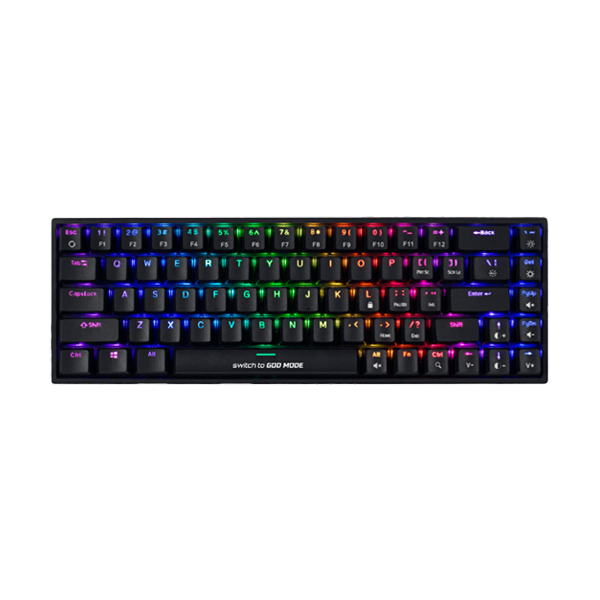
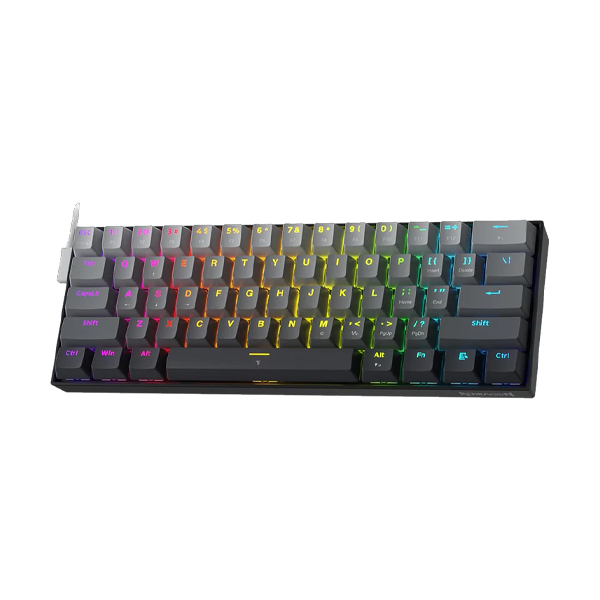
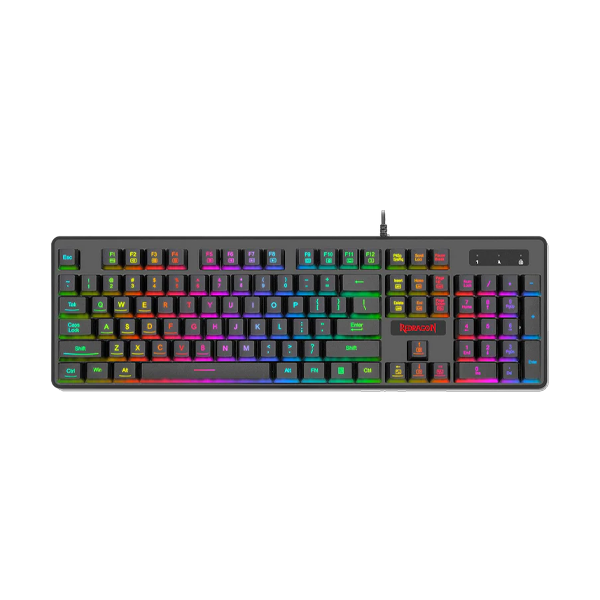
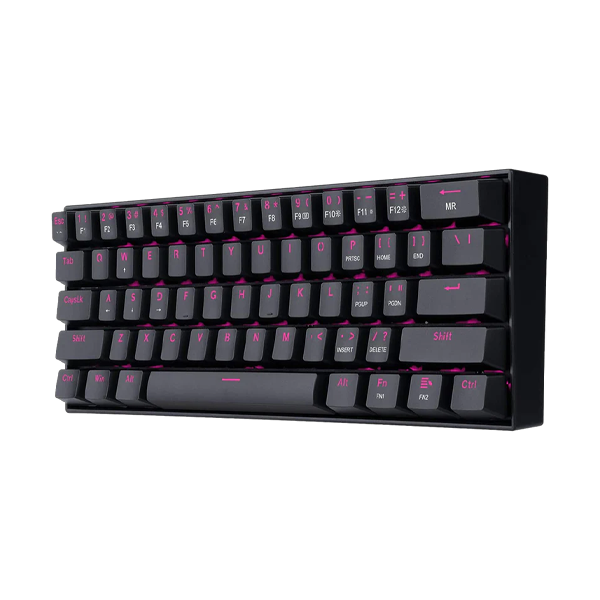
Upgrade your gaming experience with the Redragon Draconic K530 Pro, featuring a compact 60% layout and 61 fully hot-swappable keys for seamless customization. Enjoy versatile connectivity options with USB-C wired, Bluetooth 3.0/5.0, and 2.4GHz wireless modes, all while immersing yourself in dynamic RGB backlighting with 13 presets.
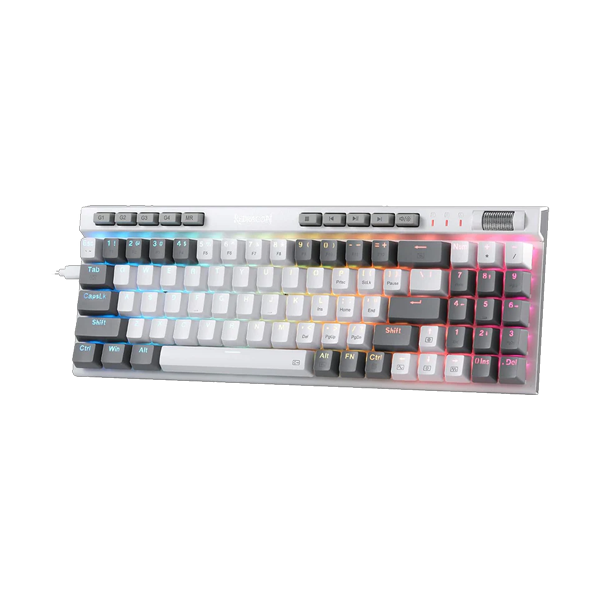
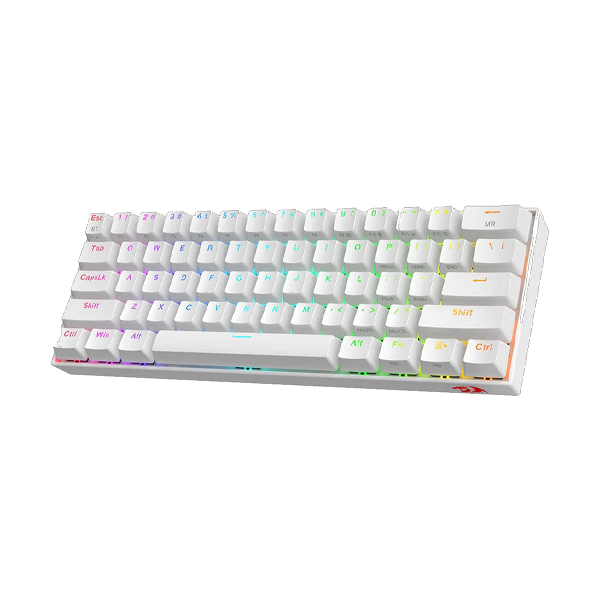
Enhance your typing experience with the Redragon K556 Dharma Pro, a tri-mode mechanical keyboard featuring USB-C wired, Bluetooth 3.0/5.0, and 2.4GHz wireless connectivity for versatile usage. With hot-swappable Quiet+ Red switches, this durable aluminum board offers customizable RGB lighting and up to 150+ hours of battery life, making it the perfect choice for seamless work and gaming transitions.
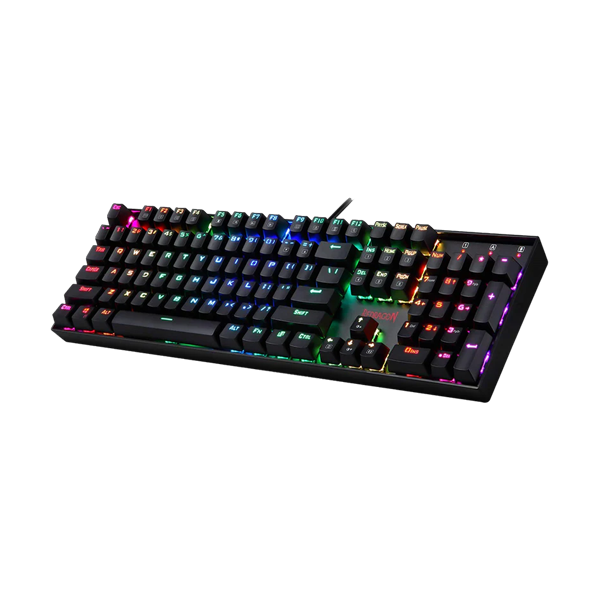
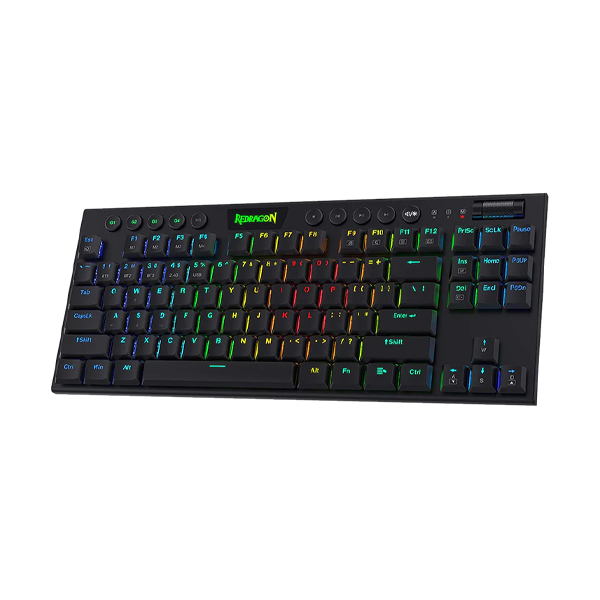
The Redragon K599 Deimos 70-Key Compact Gaming Keyboard combines wireless and wired versatility with ultimate gaming performance. Featuring Outemu Red switches for smooth, quiet action and customizable RGB backlighting with 18 modes, it’s built for durability with a compact design that saves desk space without compromising on comfort or functionality.
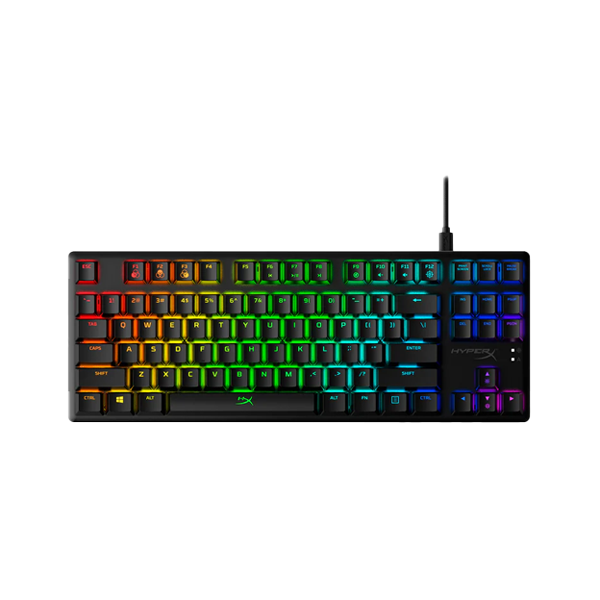
HyperX Alloy Origins Core HX Red TKL Mechanical Wired Gaming Keyboard key switches are custom-designed to be a balance of responsiveness and accuracy, featuring a short travel time and low actuation force. They’re also reliable, rated for 80 million keypresses with no loss of quality.
HyperX Alloy Origins 60 AQUA keycaps are designed with durable PBT material that is resistant to wear, friction, and solvents. Secondary functions are printed on the sides of the keycaps for quick recognition.
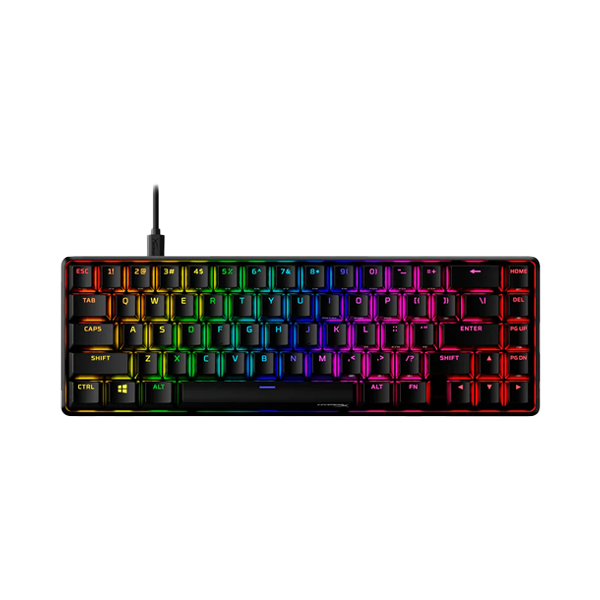
The HYPERX ALLOY ORIGINS 65 MECHANICAL GAMING KEYBOARD is a compact 65% mechanical gaming keyboard with durable HyperX Red Linear switches rated for 80 million keypresses. It features a sturdy aluminum body, premium PBT keycaps, vibrant per-key RGB lighting, and customizable profiles via HyperX NGENUITY software. Compact yet functional, it’s designed for performance and style.
HyperX Alloy Origins 65 HX Aqua Mechanical Keyboard keycaps are designed with durable PBT material that is resistant to wear, friction, and solvents. Secondary functions are printed on the sides of the keycaps for quick recognition.
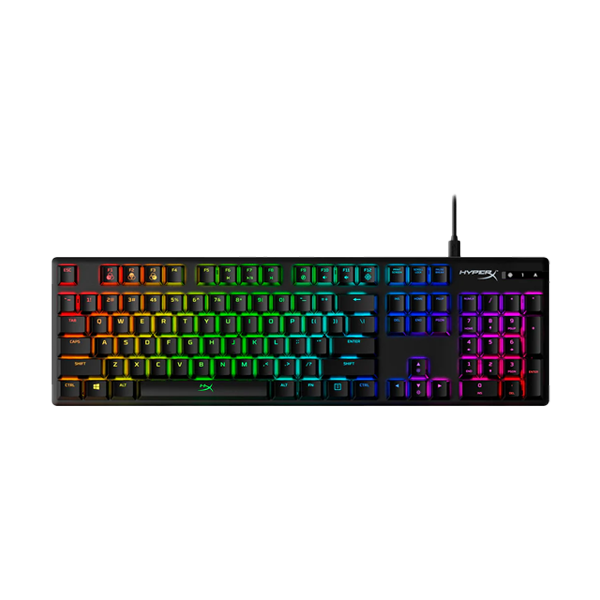
WIth the HyperX Alloy Origins Mechanical Red Switch Wired Gaming Keyboard you can create your own custom-designed lightshows, save them directly to the keyboard, and take them with you on the go.
Choosing the Perfect Mechanical Keyboard with The IT Gear
With many models to pick from, the choice of the perfect mechanical keyboard can be quite confusing.
Knowing what kind of form factor switch and connectivity type suit you best can lead you to a keyboard
that perfectly blends with your setup.
Here's the detailed explanation of how you can be guided while picking a mechanical keyboard.
Understanding Mechanical Keyboard Form Factors
The keyboard's size determines the space it takes up on your desk and the keys you get. These are the
standard mechanical keyboard form factors:
Full-Size Mechanical Keyboard (104-Key)
This is the keyboard layout that most people use daily, featuring a number pad, function row, and
navigation keys. It fits best those who often input numbers or simply want the most extensive set of
keys at their disposal, requiring no reliance on shortcuts.
The AULA F2088 Wired Mechanical Gaming Keyboard is an example of a trustworthy full-size mechanical
keyboard.
TKL Mechanical Keyboard (Tenkeyless)
Simply put, this configuration excludes the number pad, which is why the keyboard is much smaller
size-wise. This allows for a better mouse setup, which is something that is taken into account most
of the time by gamers.
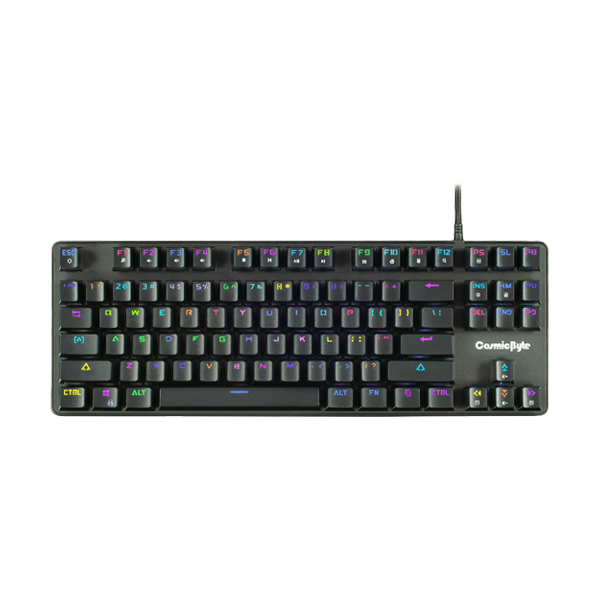
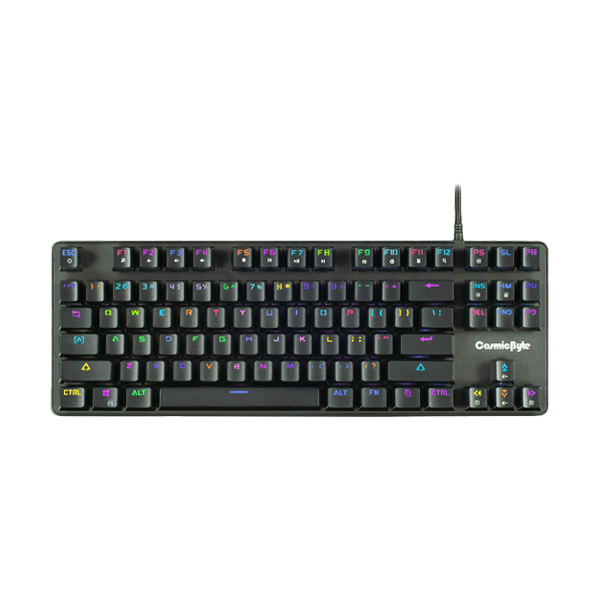
The Cosmic Byte CB-GK-25 Pandora TKL Mechanical Keyboard is definitely among the most popular
options here.
75% Mechanical Keyboard
This trim layout keeps the function row and arrow keys but overall footprint is neatly trimmed,
delivering the best of both worlds - functionality and space-saving design.
Both AULA F75 series and Cybeart Nighthawk 75 set good examples of this very versatile form factor.
60% Mechanical Keyboard
This is the tiniest layout available, no function row, navigation cluster or number pad. Such
minimalistic design really is the best one for people who want a clutter-free environment and space
is limited.
Redragon K617 Fizz is a well-liked 60% mechanical keyboard from The IT Gear.
96% Mechanical Keyboard
You still have the number pad here but the designers have done away with the gaps between different
key groups that you normally find on a full-size keyboard, giving you a very compact full-size
experience.
It's a nice alternative to the traditional full-layout keyboard for those who want the numpad
without the bulk
Connectivity Options: Wired vs. Wireless
Mechanical keyboards have now evolved to provide you different means of connectivity given your
workstyles and desk setups.
Wired Mechanical Keyboard
A USB-based wired connection ensures the most dependable and lag-free experience. Because of this, it
is the top pick for professional gamers and other users where latency is a critical factor. The AULA
F2088 is an excellent example of a wired keyboard.
Wireless Mechanical Keyboard
Switching to a wireless keyboard will eliminate all those cables and wires from your desk making it
really neat and clean.
Bluetooth Mechanical Keyboard
Pairing with multiple devices like laptops, tablets, and smartphones is just a matter of clicks. So
if you want a keyboard for work and multi-device use, this is the best option for you.
2.4GHz Mechanical Keyboard
Comes with a dongle and more stable connection than Bluetooth, plus a bit lower latency, so perfect
for gaming.
Tri-Mode Keyboard
Offers the convenience of both worlds — wired, Bluetooth, and 2.4GHz wireless connections are all
supported by a tri-mode keyboard giving you the maximum possible freedom. The AULA F75GRR and
Cybeart Akula 99 have very good tri-mode mechanical keyboard models.
Mechanical Keyboard Switch Types: Finding Your Feel
The switch is the core of a mechanical keyboard, and it influences the feel and noise of typing. The
suitable switches depend on the user mainly.
Linear Switch Keyboard (Red Switch)
The direct top-to-bottom press that you get with these switches is a really smooth one, no tactile
bump or audible click along the way. So they're the top choice for gamers who want a quick tip of
the fingers and also fast typists who like to keep the pressure low. Redragon K617 Fizz normally
comes with red switches.
Tactile Switch Keyboard (Brown Switch)
These switches feature a distinct bump as you press the key, which serves as feedback without the
loud click. They are a great all-around choice that has been liked by both typists and gamers due to
its balanced feel. Logitech G512 Carbon comes with GX Brown tactile switches.
Clicky Switch Keyboard (Blue Switch)
This switch is the type that offers the most clear feedback with the tactile bump and a click sound
and the typing sound in general is quite loud. These are great for people who love the clicky sound
but may not be suitable for the environments where this can really disturb others
Hot-Swappable Keyboard
This is a feature in which you can take switches out and put new ones in without soldering. This way
a hot-swappable mechanical keyboard is basically a user-friendly keyboard for endless
customizations. Thousands of current keyboards, e.g. the AULA F75 series, are hot-swappable.
Magnetic Switch Keyboard
This is the next-gen style that involves magnets in the keystroke registering, this way you get
adjustable actuation points and rapid trigger features, normally found in high-end gaming keyboards.
Optical Switch Keyboard
These switch units activate the keystrokes with light, so the work speed becomes faster and the
durability is increased as well over the traditional mechanical switches.
Choosing a Keyboard for Your Use Case
Your main motivation for buying a keyboard should be the factor that determines your actual trade
Gaming Mechanical Keyboard
If you are a gamer, then features like very low latency, N-key rollover together with customizable
RGB lighting are the ones that you should pay attention to. Corsair K100 RGB is one of the premium
gaming mechanical keyboards aimed at performance.
Office Mechanical Keyboard
If you want a mechanical keyboard for the office, you should opt for features like tactile or linear
switches which don't produce a loud noise so that your colleagues won't be disturbed by your
keyboard. If your keyboard is also compact and connected to multiple devices, then these features
will come in handy too. You can explore our collection of office and home keyboards for suitable
options.
Programming Keyboard
Programmers like to have tactile switches for the accurate keystrokes and also macro-programmable
keys to automate repetitive tasks.
Typing Keyboard
Writers and typists focus on switches only. Some prefer linear switches because of smoothness, and
others like tactile or clicky for feedback.
Key Features to Look For the Optimal Experience
Besides the essentials, a few features can be your secret weapons for a better typing and gaming
experience.
RGB Mechanical Keyboard
Colored backlight not only allows you to change the look of your keyboard, but you can also use it
for in-game notifications and alerts.
Anti-Ghosting Keyboard & N-Key Rollover
Both of these help in registering all the key presses simultaneously when multiple keys are pressed
at the same time. These features are a must-have for the gaming keyboard.
Programmable Keyboard & Macro Keyboard
With programmable keys, you can assign codes or specific functions to a key while macros let you
record complicated sequences to be performed just by pressing a single key
PBT Keycaps Keyboard
The PBT plastic keycaps are more durable and resistant to shine rather than ABS keycaps, meaning that
your keyboard will continue to look and feel great for a longer time
Budget Mechanical Keyboard
There are so many awesome models for as low as Rs.2000 and under Rs.5000 that you can get great value
for money in this category as well. The Redragon K630 Dragonborn is one of the highest rated budget
mechanical keyboards
Premium Mechanical Keyboard
For the lovers of quality and features, you have the option of getting the Corsair K100 RGB or
Logitech G series keyboards
Mechanical Keyboard for Gamers
You can find different options for gaming mechanical keyboards like low latency, and customizable RGB
lighting.
Mechanical Keyboard for Professional
If you want a keyboard with emphasis on typing comfort, durability, and a look that is fitting the
professional environment, then these keyboards will suit your office and home usage.
At The IT Gear you can buy mechanical keyboards at different price points and for different types of
use cases.
Compatibility: Mac and Windows
Make sure that the keyboard you pick supports the operating system on your computer. Many keyboards
that have Keychron-style layouts are designed to work with both Mac and Windows, and they usually
also have a switch to toggle back and forth between these two layouts. Because of their
cross-platform compatibility, they are excellent choices for those who work with different devices.
Frequently Asked Questions
A desktop gaming PC is best because it offers superior cooling, easier upgradability, higher
performance ceilings, and better price-to-performance ratio compared to gaming laptops or
workstations.
Yes, mechanical keyboards typically offer several advantages over membrane keyboards. They
provide superior tactile feedback, are more durable, and result in more accurate typing.
Since individual mechanical switches are used for each key, the typing experience becomes
more satisfying and precise.
Mechanical switches are also rated for tens of millions of key presses, so their lifespan is
much longer. On top of that, they come with customization options like different types of
switches as well as hot-swappable switches, which enable users to adjust the feel per their
preference.
The optimal gaming keyboard varies according to your budget and preferences. About gaming
competition, a keyboard with linear switches (like Red switches) and a small size like TKL
or 60% is generally recommended. Corsair K100 RGB and AULA F75 series are great gaming
keyboard options sold by The IT Gear.
A hot-swappable keyboard allows you to easily remove and replace the switches without having
to solder anything. This is a very convenient feature for customization, as you can try
different switch types or replace a broken switch quickly and effortlessly.
That's up to personal preference. Tactile switches (like Brown switches) tend to be the ones
used the most for typing since they have that bump that confirms each key press. Linear
switches (like Red switches) are also popular with fast typists. It is usually suggested to
give different switches a try to find the one that feels best to you
Full-Size (100%): Features a number pad, function row, and navigation keys.
TKL (80%): Drops number pad for the compact size
60%: Drops number pad, function row and navigation cluster resulting in the smallest
footprint
Yes, today's wireless technology, mainly the 2.4GHz type, offers a latency level that is
almost indistinguishable from a wired connection, and because of this, they are excellent
for gaming. But, for the highly competitive gamers, the wired connection still remains the
absolute lowest latency option
N-key rollover (NKRO) is a feature in keyboards that allows the user to press any number of
keys simultaneously and the keyboard will correctly register and report all of them. This
feature is extremely important in gaming because it is not uncommon to press multiple keys
simultaneously, and with NKRO, you can be sure that no keys are missed
Definitely, many mechanical keyboards work on Mac. Some even have Mac-specific layout and
media keys for macOS. Either look for keyboard models that state Macs To be exact or that
have a switch for toggling between Mac and Windows modes.