Select a category

 Zoom
Zoom
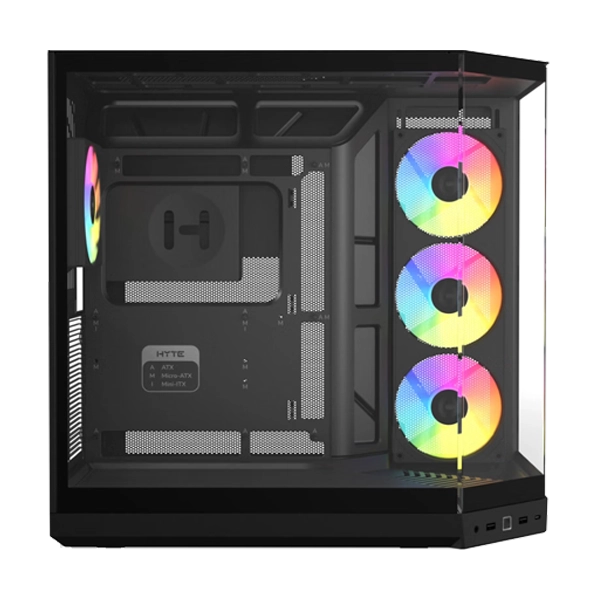
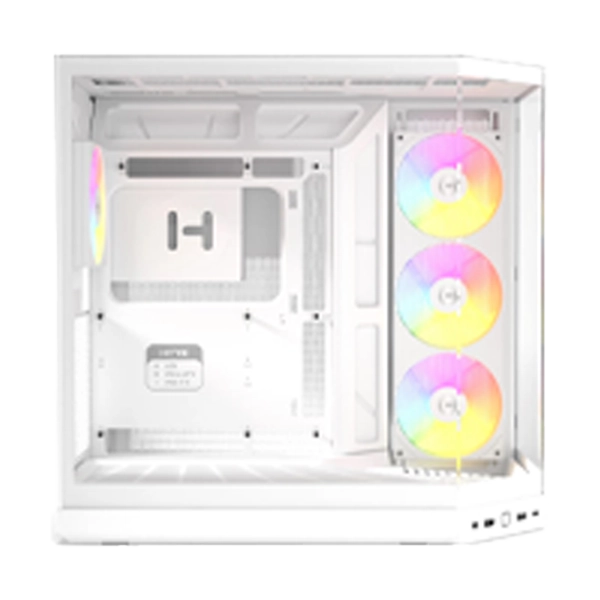
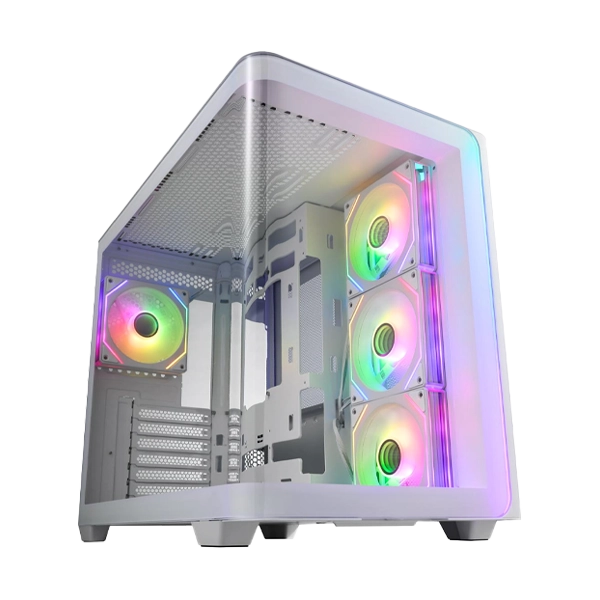
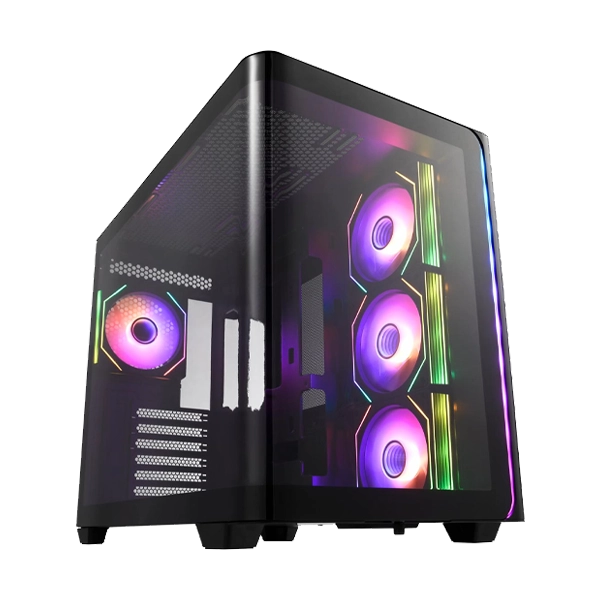
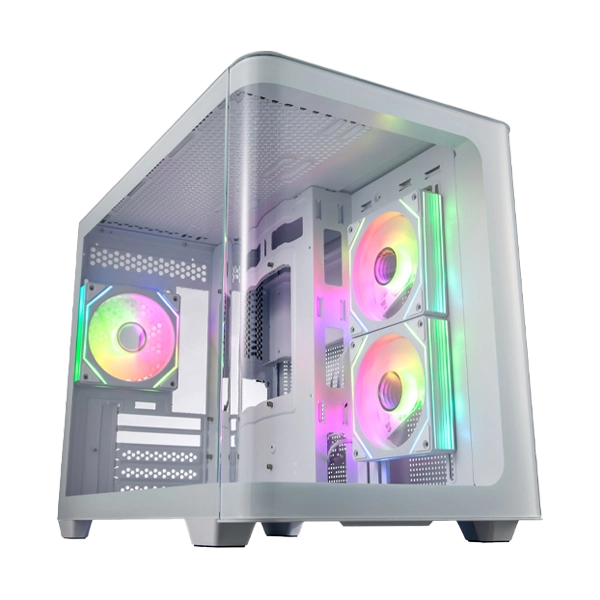
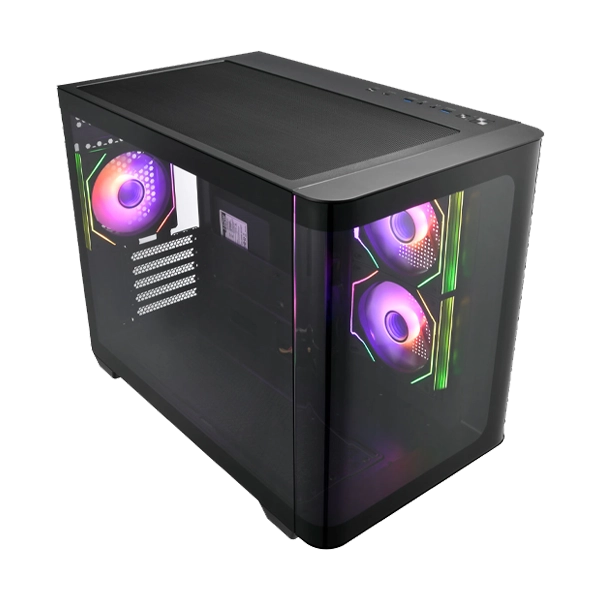
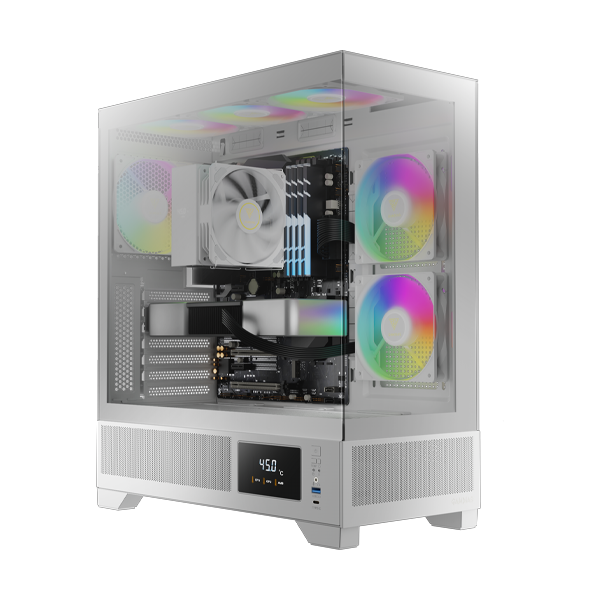
Seamless Tempered Glass Display
Perforated Air Vent PSU Chamber
3 Built-in 120mm ARGB PWM Fans (2 x Reverse Intake Fans)
Customized Monitor for System Information and Ambient Temperature
Fits Mini-ITX, Micro-ATX and ATX motherboards
Magnetic Dust Filter
Compatible with 410mm GPU
POWERFUL VENTILATI
ONThe ATLAS M1 is built with perforated air vents throughout the case, vents perforated on the side panel, PSU chamber, and back exhaust to ensure superior airflow configurations.
3 BUILT-IN ARGB PWM FANS
The case comes with three ARGB PWM fans, with two preinstalled 120mm reverse intake fans on the side and one 120mm fan on the rear exhaust, providing excellent airflow and stunning ARGB visuals via the motherboard or LED control button.
BREATHTAKING VISUALS
The ATLAS M1 provides a perfect view of all your components with its seamless glass panels equipped with a clasp mechanism for simple glass removal. The case excels in not only visuals but improves on the user’s modding experience.
FLEXIBLE GPU COMPATIBILITY
The 7+2 PCI-e slots allow GPUs to be mounted in vertical and horizontal orientations and can support massive modern GPUs.
MONITOR REAL-TIME STATUS
The embedded monitor displays real-time system information including CPU, GPU, and ambient temperature adjustable via ZEUS CAST software. Users can also switch between CPU/GPU/AMB/OFF modes through the I/O port.
COOLING SUPPORT
The ATLAS M1 can accommodate up to 6 fans and offers flexible options for the installation of radiators at the top, side, and rear.
STORAGE COMPATIBILITY
The ATLAS M1 Series supports installation of up to 4x 2.5″ or 3 x 2.5″+1x 3.5″ and can accommodate PSU lengths up to 180mm.
DUST RESISTANT
Equipped with dust filters on the top and bottom, the case effectively protects against dust while maintaining ventilation.
CONCISE I/O DESIGN
The I/O features one USB 3.2 Gen 2 Type-C port for high transfer speeds up to 10 Gbps, a USB 3.0 port, a fan LED control, a monitor mode switch, and an integrated audio jack.
|
Brand |
Gamdias |
|
Color |
White |
|
Model |
ATLAS M1 WHITE |
|
Case Type |
MID Tower |
|
MB Support |
ATX, Micro-ATX, Mini-ITX |
|
Synchronization |
5V 3-Pin Addressable Header |
|
Expansion Slots |
7+2 |
|
Material |
SPCC & ABS & Tempered glass |
|
Window |
Front, Left |
|
Radiator Support |
Top: 360mm, 280mm |
|
Fan Support |
Top: 3 x 120mm, 2 x 140mm |
|
Pre-installed Fans |
Side: 2 x 120mm ARGB PWM Fans |
|
Drive Bays |
1 x 3.5″ (HDD Cage) |
|
I/O Ports |
USB 3.0 x 1, Type C x 1, HD Audio x 1, LED Control x 1, Monitor Mode Switch x 1 |
|
Clearance |
CPU cooler height limitation: 160mm |
|
Dimensions (L x W x H) |
420 x 210 x 465 mm |
|
Net Weight |
7.6 kg / 16 lb |
|
Warranty |
1 Year |
|
Note |
* Features, Price, Specifications are subject to change without notice. |
One Click to Visit Our Social Media Handle → Instagram
Product specifications are displayed from the product information supplied by the catalog.
Read customer feedback or submit your own review after selecting a rating.
No reviews yet.
More products you may like





#No. 9, 5th Floor, Max City Center, T. P Lane, Sadar Patrappa Road, Bengaluru - 560002 (Karnataka)