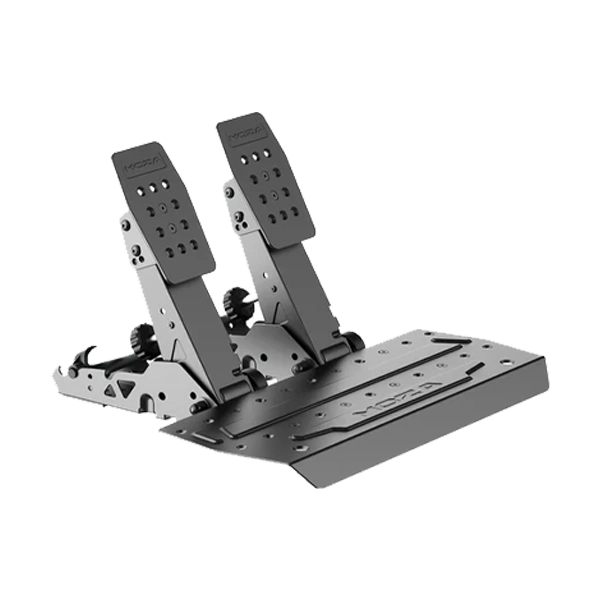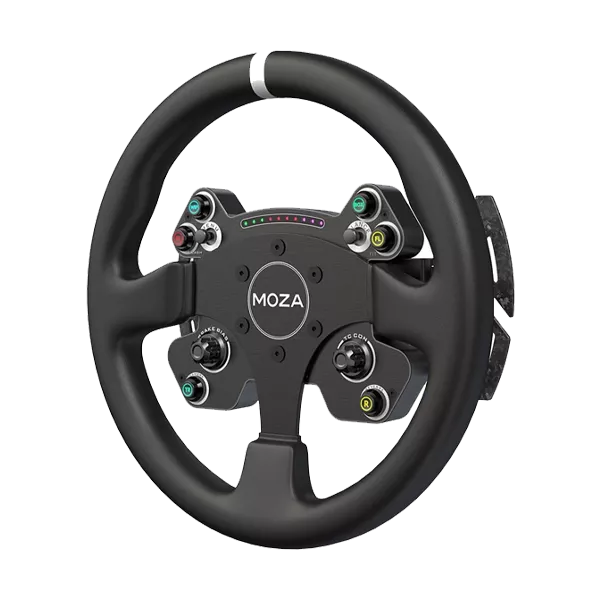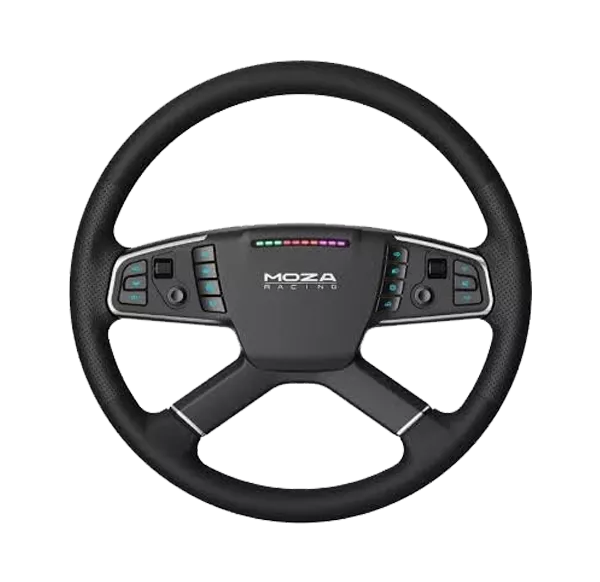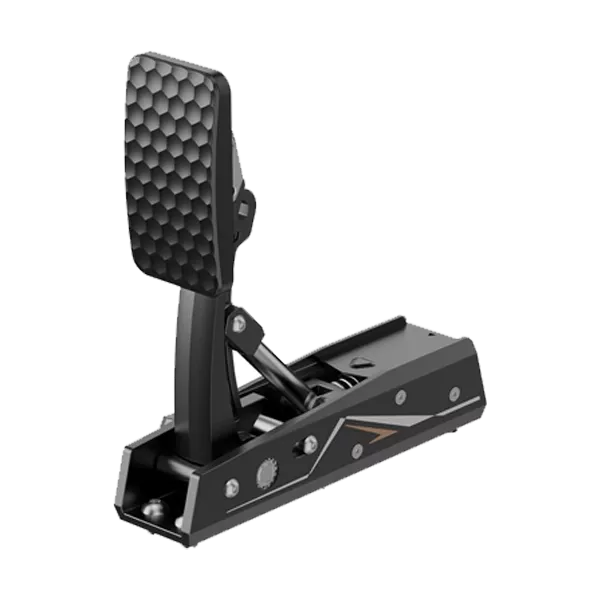
Thrustmaster SimTask Truck-40 Add-On Kit

No reviews yet |Write a review
SKU: SimTask Truck-40 Add-On Kit  |  Brand: Thrustmaster
₹ 59,000 ₹ 70,000 16% OFF ● Out of Stock
Save GST upto 18% on Business purchase
Check delivery
Enter pincode to see delivery date, COD availability and shipping charges.

Secure Payments
100% Genuine
Fast Delivery
Expert Support

Thrustmaster SimTask Truck-40 Add-On Kit


FEATURES

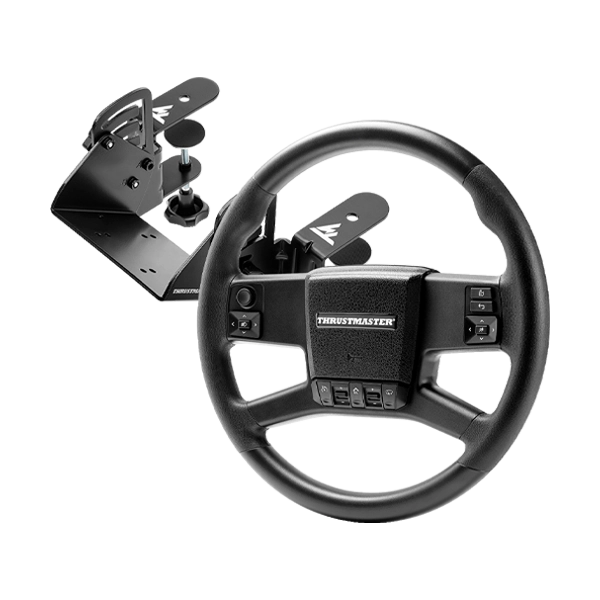
  • Authentic 15.7-Inch (40 cm) Truck Rim: Designed specifically for heavy vehicle simulation, the large-diameter wheel rim is directly inspired by iconic European long-haul trucks to deliver realistic steering dynamics and maximum immersion.
  • Ergonomic Horizontal Desk Mount: The included heavy-duty SimTask Truck Mount lets you position your Thrustmaster Force Feedback wheel base horizontally to mimic a flat, real-world truck steering column.
  • Full Integrated Dashboard Controls: Stay focused on the road with 22 built-in action buttons, including a direction mini-stick, 2 rocker switches, an authentic faceplate horn button, and a rear-mounted turn signal mini-lever.
  • Plug & Play ETS2 & ATS Integration: Controls are automatically mapped out of the box for Euro Truck Simulator 2 and American Truck Simulator, allowing you to plug in and drive instantly without tedious keybinding.
  • Customizable Driving Position: Fine-tune your setup for maximum long-haul comfort using 4 height presets and up to 30° adjustable tilt angle. Height and tilt adjustments are completely tool-free.
  • Ultra-Rigid Metal Structure: Built from 0.2-inch (4 mm) thick sheet metal, the 100% metal clamp system easily secures to non-glass desks between 0.8 and 2.8 inches (2 to 7 cm) thick.
  • Universal Ecosystem Compatibility: Includes both latch-type and screw-type Quick Release adapters to ensure seamless compatibility with all current and future Thrustmaster Force Feedback bases across PC (Windows 10/11), PS5, PS4, Xbox Series X/S, and Xbox One.

Brand

Thrustmaster

Model

SimTask Truck-40 Add-On Kit

Color

Black / Silver

Product Type

Truck Steering Wheel & Mount Add-On Kit

Edition

SimTask Trucking Series

Compatibility

PC, PlayStation 5, PlayStation 4, Xbox Series X/S, Xbox One

Game Compatibility

Euro Truck Simulator 2, American Truck Simulator, and compatible driving simulations

Wheel Diameter

15.7 inches / 400 mm

Buttons

22 Action Buttons

Mini-Stick

1

Rocker Switches

2

Turn Signal Control

Mini turn signal control built into the back of the wheel rim

Horn Button

Integrated authentic horn button on faceplate

Mounting Type

Desk Clamp System (100% Heavy-Duty Metal, 4 mm Thickness)

Desk Thickness Compatibility

0.8 to 2.8 inches / 2 to 7 cm (Non-glass surfaces)

Height Adjustment

4 Presets

Tilt Angle Adjustment

Up to 30° adjustable tilt angle

Quick Release System

2 Adapters included (1 Latch-type, 1 Screw-type)

Wheel Base Compatibility

All Thrustmaster Force Feedback wheel bases

Wheel Rim Width

40 cm

Wheel Rim Depth

40 cm

Wheel Rim Height

10 cm

Wheel Rim Weight

1.07 kg

Truck Mount Width

18 cm

Truck Mount Depth

24 cm

Truck Mount Height

20 cm

Truck Mount Weight

2.43 kg

Recommended Use

Truck & Heavy Vehicle Simulation

Warranty

1 Year Limited Warranty

Note

* Features, Price, Specifications are subject to change without notice.

One Click to Visit Our Social Media Handle → Instagram

Product specifications are displayed from the product information supplied by the catalog.

—
★★★★★
0 Reviews

Customer Reviews

Read customer feedback or submit your own review after selecting a rating.

Please login to submit a review.

No reviews yet.

DeliveryUse the pincode checker above to verify delivery availability and estimated delivery date.
ReturnsSee the current shipping and return policy for applicable terms.
PaymentAvailable payment methods and applicable options are shown during checkout.

The IT Gear lists genuine products from the brands and suppliers represented in its catalog.

Yes. Enter your pincode in the delivery checker in the purchase panel.

If your account and the product are eligible, use the Apply Coins control in the purchase panel.
Google
★★★★★
4.8 out of 5
Cart

Your cart is currently empty

Continue shopping
×
Need Assistance?