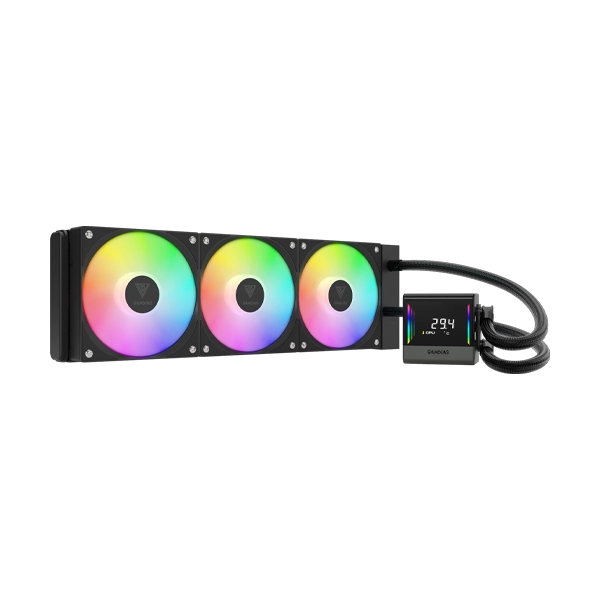
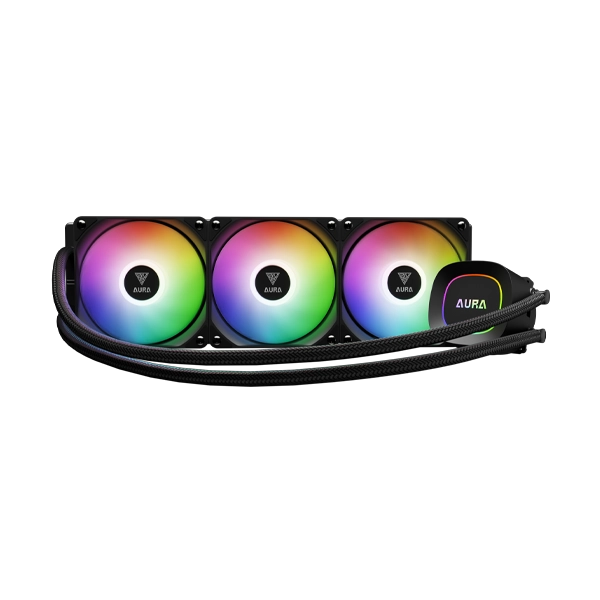
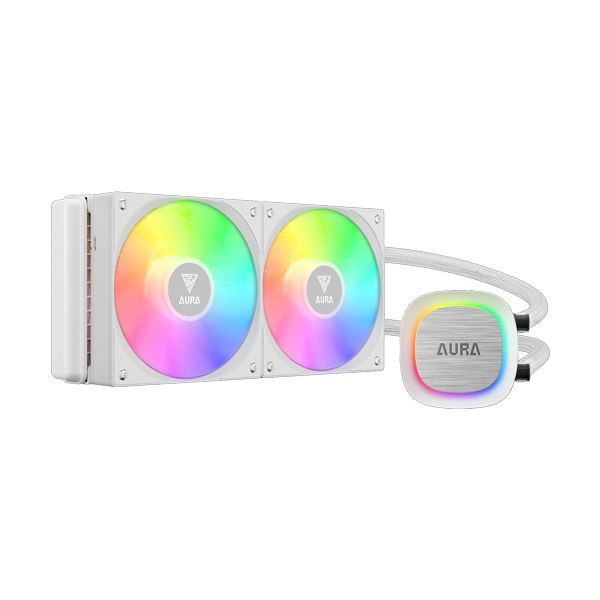
The Gamdias Chione E4-360 WhiteARGB Liquid Cooler, featuring a 360mm radiator, patented PWM pump, and vibrant ARGB lighting, this cooler ensures superior CPU cooling and stunning aesthetics for your PC build.
The Gamdias Chione E4-360 Black ARGB Liquid Cooler, featuring a 360mm radiator, patented PWM pump, and vibrant ARGB lighting, this cooler ensures superior CPU cooling and stunning aesthetics for your PC build.
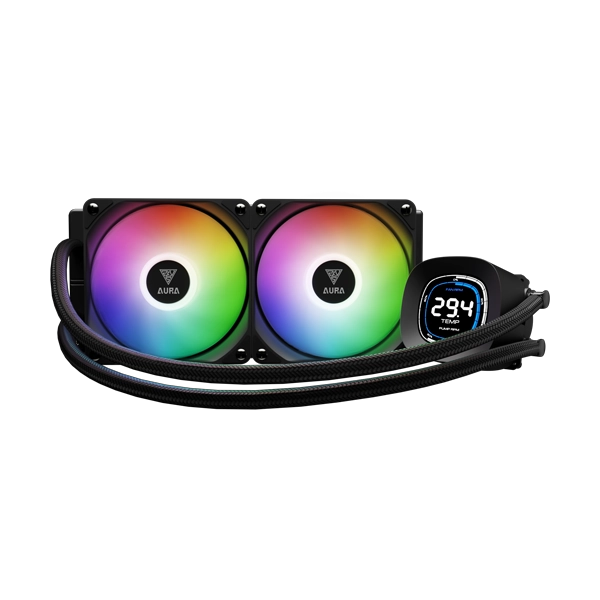
The Gamdias Aura GL240 Lite Black Liquid Cooler is now for efficient CPU cooling with ARGB lighting, powerful motor, and optimal fluid routing for top-tier performance.
The Cooler Master MasterLiquid 240L Core 240mm CPU Liquid Cooler features the new dual chamber Gen S for enhanced water flow and pressure, and a larger radiator surface for improved cooling. It includes newly designed 120mm fans and upgraded CryoFuze thermal paste for superior heat dissipation. This cooler exemplifies Cooler Master’s commitment to continuous innovation.
Cooler Master MasterLiquid 240L Core has built upon the classic Master Liquid L Series to present a redesigned and improved release of the Master Liquid 240L Core ARGB. Featuring new design elements that bring a classic minimalist look to the series, the Master Liquid 240L Core ARGB represents Cooler Master’s ongoing innovative spirit.
Cooler Master MasterLiquid 360L Core White 360mm ARGB (MLW-D36M-A18PZ-RW) has built upon the classic Master Liquid L Series to present a redesigned and improved release of the Master Liquid 360L Core ARGB. Featuring new design elements that bring a classic minimalist look to the series, the Master Liquid 360L Core ARGB represents Cooler Master’s ongoing innovative spirit.
Shop the Gamdias AURA GL360 V2 White ARGB 360mm CPU Liquid Cooler at the lowest price in India. Featuring a 12-slot 10-pole motor, upgraded copper base, and vibrant ARGB lighting, this cooler delivers top-tier cooling performance with easy installation.
Discover the Gamdias AURA GL240 V2 WH ARGB CPU Liquid Cooler at the lowest price in India. Enjoy top-tier cooling performance, 30 built-in ARGB lighting effects, and easy installation for Intel and AMD platforms. Shop now for free shipping and exclusive offers!
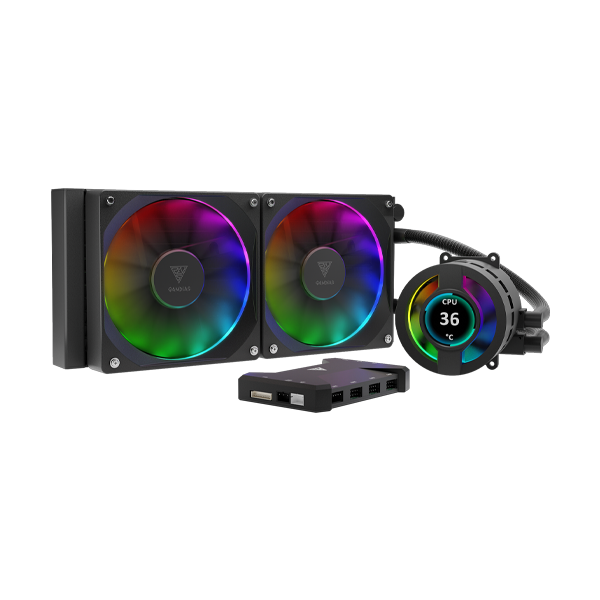
Discover the Gamdias Chione P3-240U ARGB CPU Liquid Cooler at the lowest price in India! Featuring a 240mm radiator, customizable IPS LCD display, and vibrant ARGB lighting, this AIO cooler ensures superior cooling performance for gaming and professional setups.
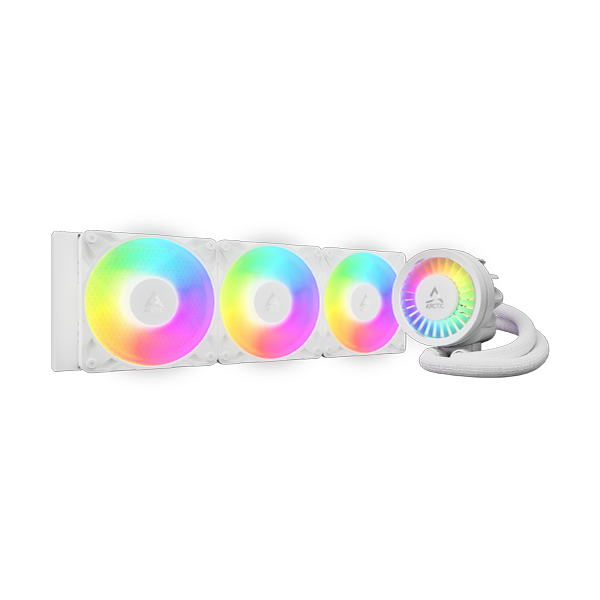
Buy Arctic Liquid Freezer III Pro 360 ARGB White CPU Liquid Cooler at the lowest price in India. Enjoy advanced cooling, stunning ARGB lighting, and quiet performance for your gaming PC.
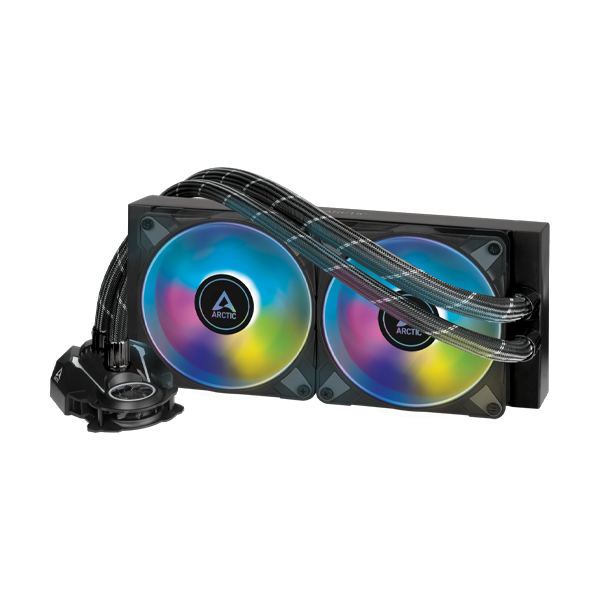
The Arctic Liquid Freezer II 240 ARGB CPU Liquid Cooler is a high-performance CPU liquid cooler that offers efficient cooling and quiet operation. With its proprietary PWM water pump, premium class 240mm radiator, and optimized ARGB fans, it's perfect for overclockers and enthusiasts. Compatible with AMD's AM5 and Intel's LGA1700 sockets, this cooler provides future-proof performance and customizable lighting effects.
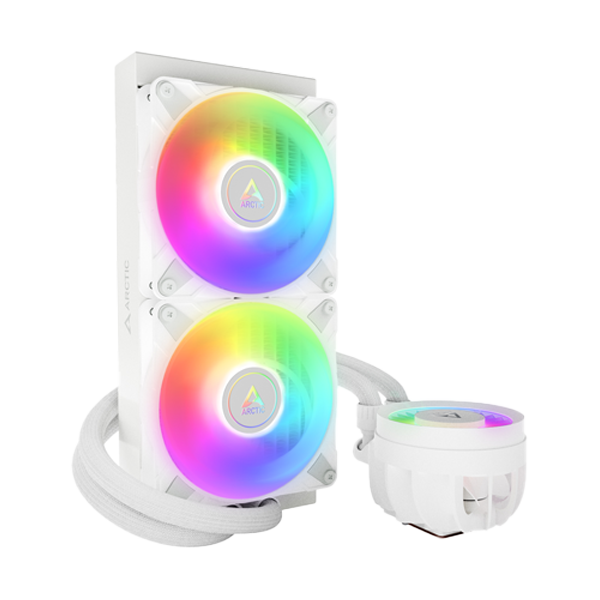
The Arctic Liquid Freezer III 240 ARGB White CPU Liquid Cooler is a high-performance AIO liquid CPU cooler for Intel and AMD sockets, including upcoming Intel LGA1851. It features an optimized pump, extended radiator surface with high static pressure fans, separate VRM fan, and addressable RGB lighting. Ready out-of-the-box with pre-applied thermal compound and AMD offset mounting.
The Arctic Liquid Freezer III 420 ARGB CPU Liquid Cooler - Black is a high-performance AIO liquid CPU cooler for Intel and AMD sockets, including upcoming Intel LGA1851. It features an optimized pump, extended radiator surface with high static pressure fans, separate VRM fan, and addressable RGB lighting. Ready out-of-the-box with pre-applied thermal compound and AMD offset mounting.
The Arctic Liquid Freezer III 420 ARGB White CPU Liquid Cooler is a high-performance AIO liquid CPU cooler for Intel and AMD sockets, including upcoming Intel LGA1851. It features an optimized pump, extended radiator surface with high static pressure fans, separate VRM fan, and addressable RGB lighting. Ready out-of-the-box with pre-applied thermal compound and AMD offset mounting.
Water / Liquid Cooling Systems: The Ultimate Guide for Indian PC Enthusiasts
For high-end CPU and GPU owners in India, one of the major factors to achieve maximum performance from
their hardware is thermal management. Although conventional air coolers still remain relevant,
water
cooling systems have become a popular option for those who don't want to compromise with
the best.
Whether you're going to set up a powerful gaming rig, a workstation dedicated to rendering, or a silent
home media center, a water coolant PC component is one of the best ways to remove the
heat and ensure
your hardware does not overheat.
The main idea behind it is a pump that moves the fluid which passes via the water block
and picks up the
heat from the CPU/GPU. When such a liquid gets to the radiator, fans blow the hot air away which keeps
the system cool.
Your first major choice when you've already made a decision on a water cooling
purchase in India
would be to decide between the AIO cooler (All-In-One) and a custom water-loop.
Both deliver
excellent heat dissipation, but they fit different kinds of people, different levels of expertise,
and budgets.
A ready-to-use water cooling system does not have any opening and so the system is
perfectly
maintained and there are no chances of getting the coolant exposed to any foreign material. Because
this system is quite self-contained, it is the one preferred by gaming enthusiasts and builders who
do not need the added complexity of installing a custom loop.
With a DIY water cooling kit, which sometimes goes hand-in-hand with a custom water
cooling system,
you have everything you need to build your own. Your choices of the hardware to cool the CPU and GPU
via the liquid, the pump, the reservoir, the
radiator, the tubing and fittings, etc.
The radiator can be considered the beating heart of your cooling system. The physical size of the
radiator is the main indicator of its coolest capacity. The most common sizes of radiators for water
liquid cooling components are like this: 120mm 240mm 360mm, 420mm.
120mm Radiator Best suited for SFF builds or as secondary rad (the one behind the
CPU). Will get the job done with low power CPUs but not much of a performance gain to be seen.
240mm Radiator Most
users will agree that this is just about perfect. The 240mm radiator is suitable for mid-tier to
high-end CPUs like Intel Core i5/i7 and AMD Ryzen 5/7. Offers a huge temperature difference over
air coolers and fits almost most mid-tower casings.
360mm RadiatorBig name
among watercooling enthusiasts since for performance cooling this is the one! The 360mm radiator
offers massive surface area for heat dissipation, making it perfect for overclocking even
high-end CPUs likeIntelCore i9 or AMD Ryzen9. It is the preferred option for overclocking
cooling as well as high-end gaming computers.
420mm Radiator Largest
standard size providing cooling power of a top level for even super coolers and server-class
CPUs.
A push-pull configuration (fans installed on both sides of the radiator) is able to generate a lot
more air pressure and cooling at the same time.
Radiator pump tubing, fittings are not the only components but also some other parts are worth
mentioning. Here is a list of different materials that you need:
cold plate + radiator:Cold plate with a high thermal conductivity material -
copper, e.g. is the best and usually gives the best cold spot contact. Many AIOs utilize
aluminum Radiators to cut the bills, the high-end DIY loops use the copper one to enhance the
performance. Using different metals, e. g. copper and aluminum should be done with proper
corrosion inhibitors to avoid corrosion due to the Galvanic effect.
Pump:Pump is the most vital part of your loop - look for a quiet and durable
ceramic bearing. Pump speed in RPM will directly affect flow rate.
Fans - Radiator fans : Air pressure is more important for the radiator fan,
fans designed for radiators will be good to push air through dense radiator fins and keep the
cooling efficiency high. Check the decibel scale for noise (dBA) to see whether it's a loud or a
quiet cooler.
Tubing & Fittings : Custom loops allow you to select whichever of waterloop
tubing you wish. Softline (rubber) or hardline (PETG - translucent) are available as different
materials for these loops. Hardline looks better visually but is harder to bend and has
limitations for custom loops. Fittings made out of brass are commonly used due to their strength
and long lasting.
Coolant:Tap water should never be used because it is a poor choice to mix with
a cooling agent for a liquid cooling system. A cooling liquid either already mixed or
concentrated should be mixed with distilled water at 50%. Good coolants are biocides which
prevent algae or bacteria from growing and the coolant also includes corrosion inhibitors to
safeguard your nickel-plated block and aluminum radiator.
Brands for your Liquid Cooling System
Reputable brands are your best bet if and when you want to purchase PC watercooling . We at The IT
Gear keep the finest brands in the business:
Corsair:A great company who is also producing
and selling water radiator cooling system components which come with an iCUE ecosystem that is
software-based and offers full control over pump speeds as well RGB lighting. They have a great
Hydro X series which is suitable and recommended for custom loops.
NZXT:Popular for their sleek minimalistic look,
NZXT water cooling kits and coolers are of high quality AIO with customizable features via LCD
panel.
Cooler Master:Cooling specialists and
industry leaders, Cooler Master has long been a household name for those who are always in need
to lower CPU temperature, whether it's through regular fans or water-cooling. Their lineup
contains a great variety of trustworthy, budget-friendly Cooler Master water cooling solutions.
Thermaltake: For example, a beginner might
buy a cheap all-in-one unit from Thermaltake whereas the pro level customer might end up with a
fully Thermaltake water cooling system with its own cooler coolant like the T1000.
Deepcool: In a market where value,
performance and build all matter a lot, Deepcool water cooling stands out with their very
affordable products In particular in the budget-to-mid-range category and delivers great cooling
performance as well。
Arctic:They are also a manufacturer that can
offer both water cooling systems and air coolers - Arctic Cooling Liquid Freezer series, which
is their water-cooling product that is very efficient for cooling capacity and pricing. In
addition, they have developed a novel VRM fan concept which is really an advantage.
Getting it Right
In order for the cooling system to work perfectly, you first need to choose a compatible one for your
system.
Socket Compatibility: Currently, most coolers can support either an LGA 1700 cooler (Intel
12th-14th Gen) or an AM5 cooler (AMD Ryzen 7000/9000 series). That means, it's recommended to
cross-check the product manual and make sure it is compatible with your PC.
Case Compatibility: Firstly, check radiator mounting points of your PC chassis to be able to
install an AIO. Secondly, make sure you'll have enough space both for the radiator itself (In
particular if it's a thick radiator type and a fan or two on each side.
Software Control: For those who choose an ARGB cooler or any other kind of cooling system with
an LCD screen cooler, you need to make sure there's software that is compatible for your case.
Usually, iCUE (for Corsair products), Aura Sync (ASUS), and Mystic Light (MSI) are a few of the
available software programs that allow users to control the RGB lights as well as monitor the
overall operation.
A Few Tips
One of the biggest questions people ask is, "Is it safe?"
The water liquid cooling from reliable manufacturers has proved to be very safe nowadays - you are
mostly free from any kind of leakage and other problems with the sealed systems. As such, they will
not require maintenance until the end of their 3-5 year life cycle (except for some models with a
special feature).
It’s a different situation if someone prefers to go a custom route and set up a loop system for
themself, as it will require periodic coolant change and leak test. Every 12-24 months, the
maintenance will cover things like that and cleaning. In order not to risk a shorted circuit that
can kill a component, it's recommended to use a pre-mixed coolant that contains a corrosion
inhibitor and a biocide。
With the right cooling, not only will your computer feel cooler but also the temperature won't limit
your performance. If you are shopping for a new water cooler, regardless of whether you are looking
for a best AIO value or a high-end custom loop, The IT Gear will definitely have some options to
water cooling in India that suit your needs. We are your water cooling store to rely on for all your
computer cooling issues.
Shop and cool your system the best way - get it from us.
Frequently Asked Questions
The short answer is: yes! If you are in the possession of a state-of-the-art gaming PC that
features high-end components then liquid cooling vs air cooling - your bet will be the
former, a liquid cooling solution.
This kind of system removes heat much better, thereby allowing CPUs to sustain a higher
boost clock for quite literally a long time. In addition, it will not get too loud even when
a heavy load, unlike a high-end air cooler. So if you are buying a mid-range PC, then a
decent air cooler may just be sufficient for now; Though, with a liquid cooling system you
will also have more thermal headroom, in case you make some future upgrading.
It might be helpful if you understand that the difference between an AIO vs a custom loop is
one of simplicity versus the level of performance.
CPU water block pump reservoir, tubing and fittings are the major components of a custom
loop that is built piece by piece. The advantages of it would be cooling not only a CPU but
also a GPU, getting much lower temperatures, and changing the look of the machine to your
taste. On the flip side, it will cost you more money, and for installation and maintenance,
you will need to have technical knowledge.
Ideally, a coolant swap plus a clean-out of the water circulation every 1 to 2 years is a
good idea for the custom loop. Still, how often the change of water coolant has to happen,
also depends on the kind of coolant that has been used. Water coolant which has been mixed
and comes in a form ready to use and contains excellent corrosion inhibitors plus biocide
components will probably be the lasting one. Then again, colored or pastel coolant might be
the reason for the build-up of residue, causing blockage, so a frequent changing of coolant
is necessary for these kinds.
Distilled water is a base ingredient used in many coolants, but alone it can be considered
dangerous. As distilled water does not have corrosion inhibitors and biocide, galvanic
corrosion between two different metals (e.g. copper and aluminum) or the growth of
biological organisms like algae on the inside of the loop can take place. A pre-mixed
coolant, or better said, a concentrate mixed with distilled water is the safer option one
must pick.
TDP (Thermal Design Power) simply means the maximum capacity of heat a processor can produce
while running. A CPU cooler TDP number is about the heat the device will be able to
eliminate efficiently. It is good practice to look for a cooler that has a TDP rating equal
to or better than the TDP of its CPU, e.g. a large-sized 360mm radiator has an advantage of
being able to handle a much higher TDP rating against a 120mm radiator.
You should know that one of the main factors affecting water cooling compatibility is the
case. Check what your case offers you for radiator mounting options. If you find supported
sizes (e.g. 240mm or 360mm), also make sure of the radiator mounting positions - whether
it's top, front. Also, a radiator thickness measurement (including fans) is essential in the
case that you are going to have it close to your GPU or any other piece of hardware.
A VRM fan small fan attached into the pump casing unit of a few AIO coolers, one example
being the Arctic Liquid series. It is used to supply VRM modules with direct cooling which
regulate power to the motherboard near the cpu socket. It is a huge plus for those wanting
extra cooling when overclocking, because VRMs have the very tendency to become quite hot
under heavy load.
Usually the radiator is installed the way which the hoses are directed from the bottom (in
case the radiator is at the top of the case) or upwards from the radiator (in case the
radiator is at the front of the case) that allows air to accumulate naturally at the top
part of the radiator, and it will also be far away from the pump so no damage will happen to
the pump and it will not be making a noise. It is a good thing never to consider putting the
pump at the highest level of the loop.